> For the complete documentation index, see [llms.txt](https://hinkal-team.gitbook.io/hinkal/llms.txt). Markdown versions of documentation pages are available by appending `.md` to page URLs; this page is available as [Markdown](https://hinkal-team.gitbook.io/hinkal/hinkal-pay/getting-started.md).
# Getting Started
{% stepper %}
{% step %}
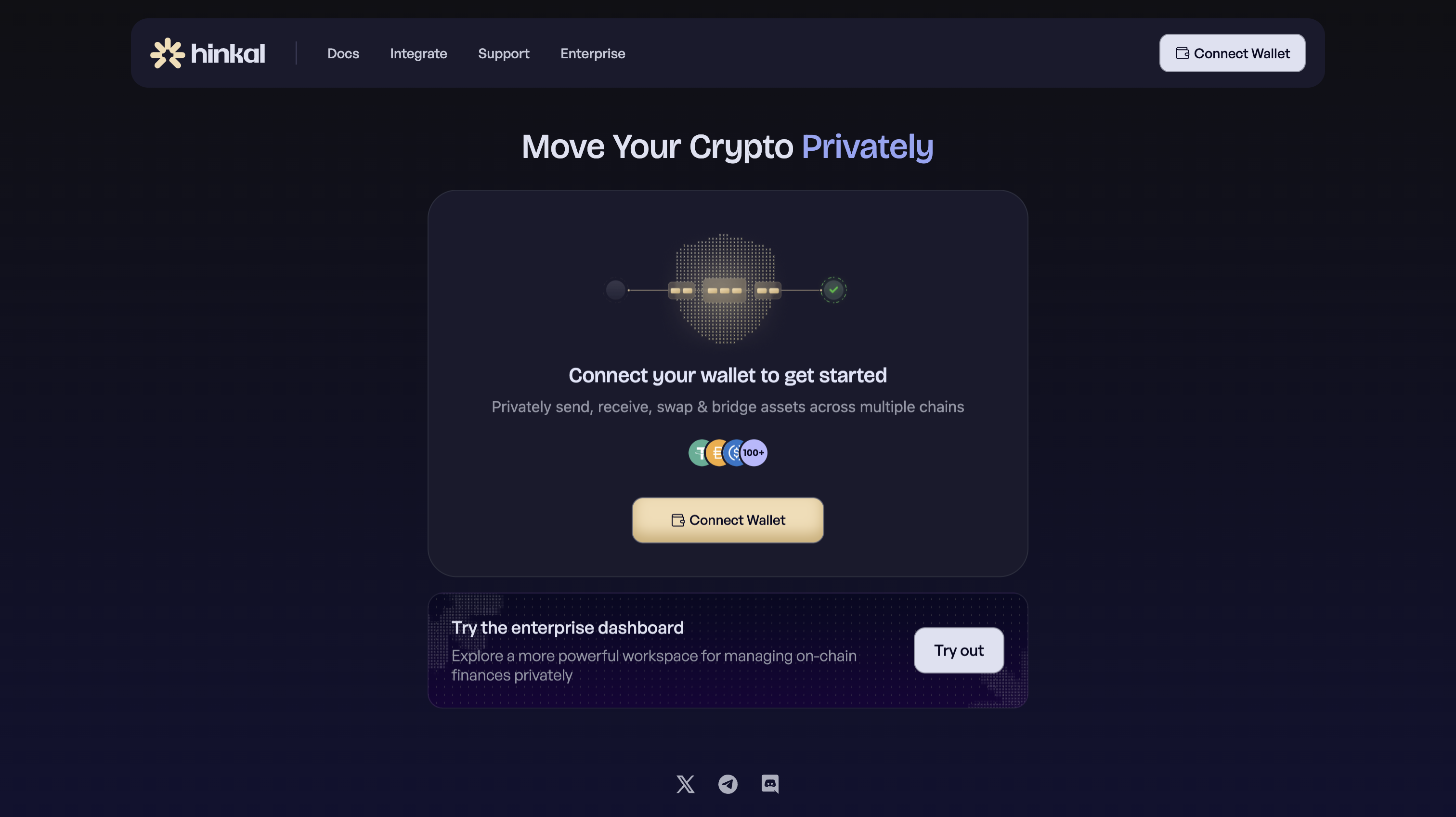
### pay.hinkal.io
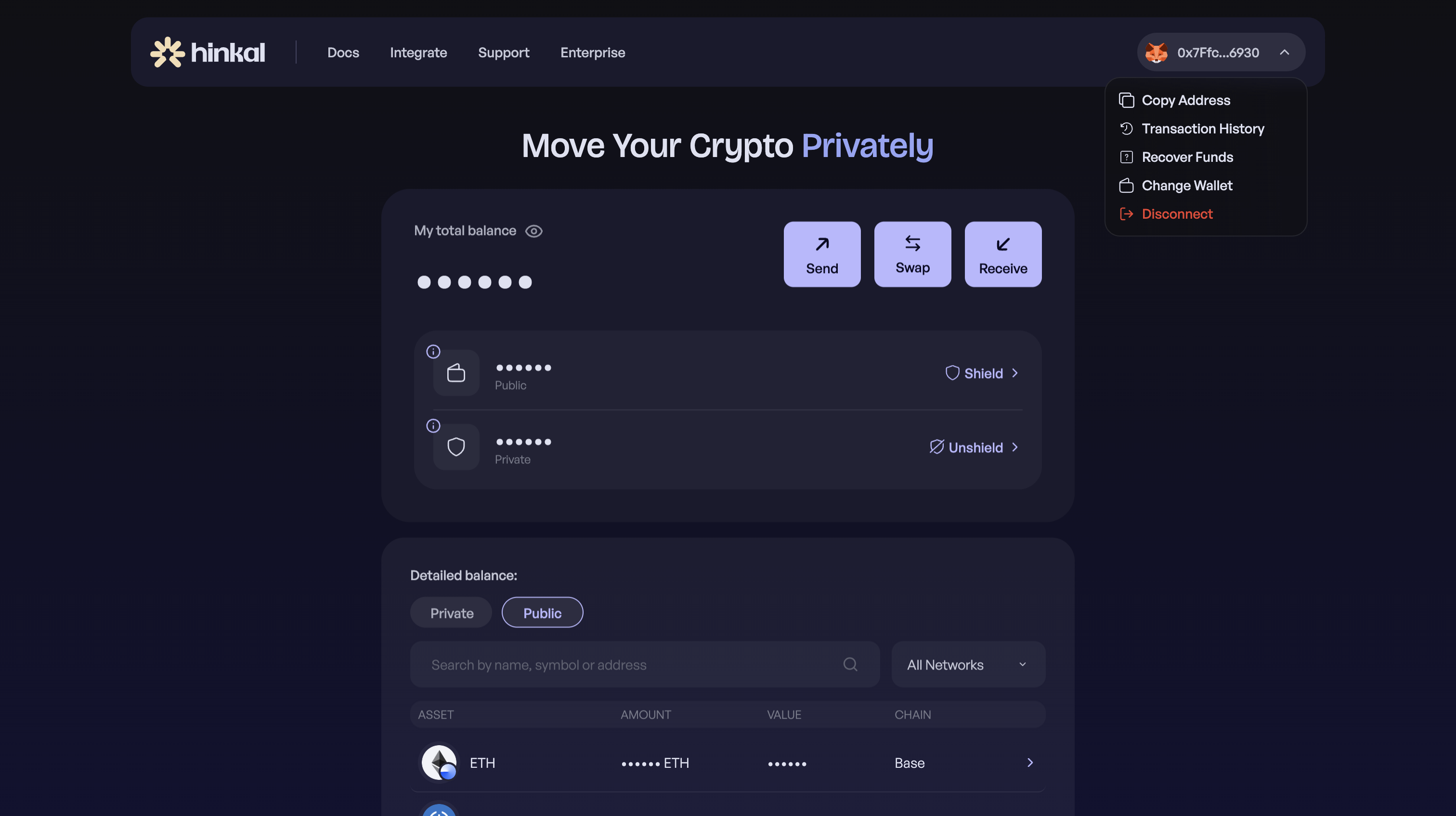
Go to pay. hinkal.io
{% endstep %}
{% step %}
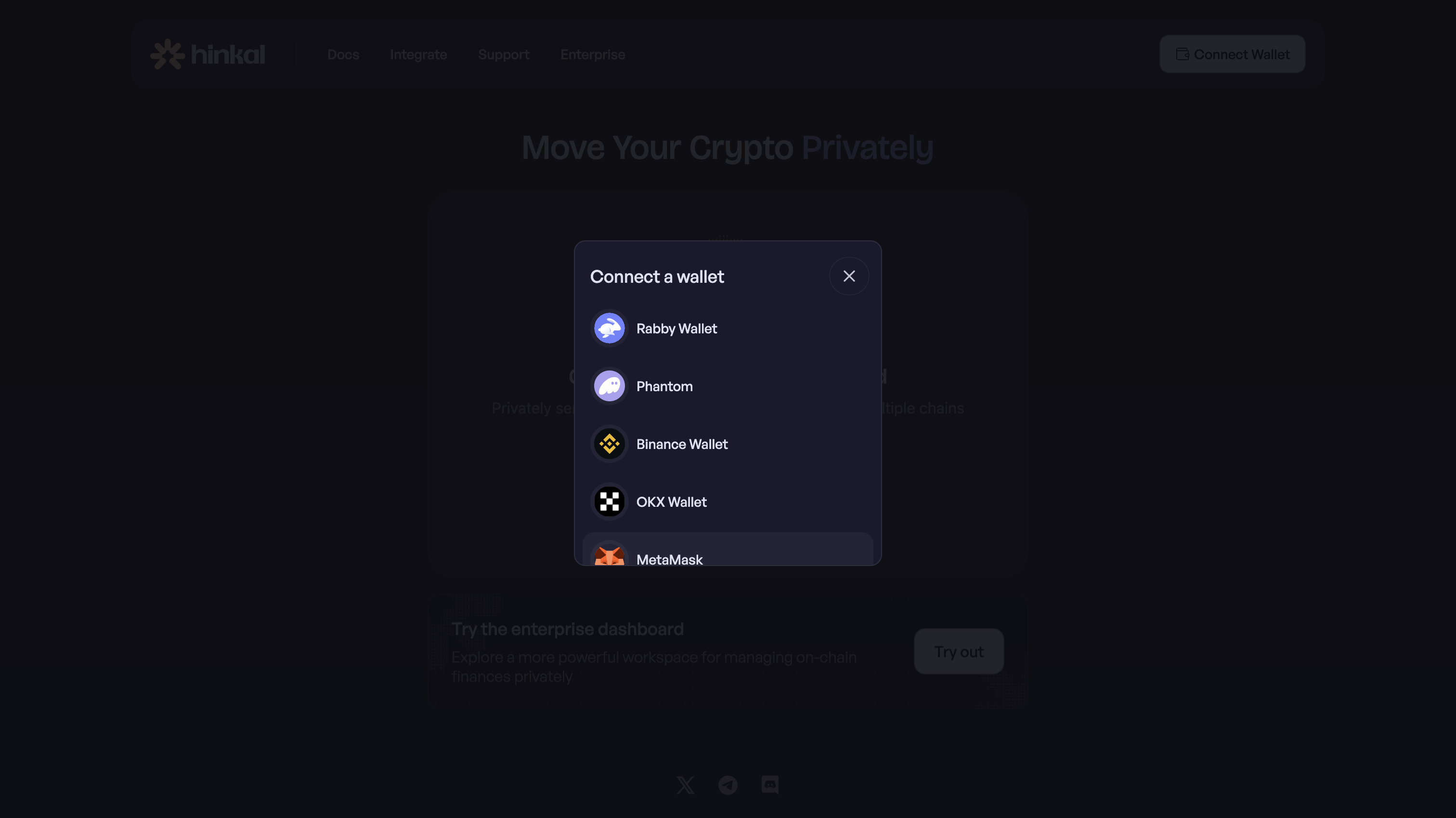
### Connect Your Existing Wallet
Connect your existing wallet - EVM, Solana, or TRON. No new wallet, seed phrase, or account.
{% endstep %}
{% step %}
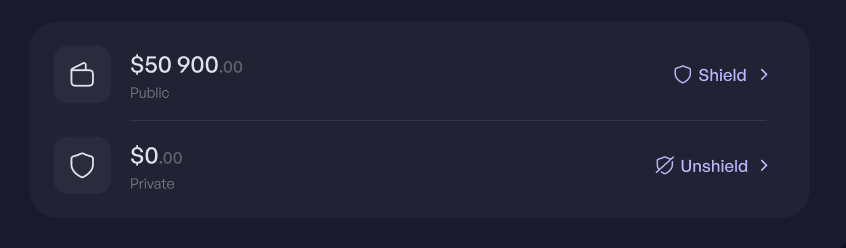
### Balances
Your private balance appears alongside your public balance. It starts empty.
{% endstep %}
{% step %}
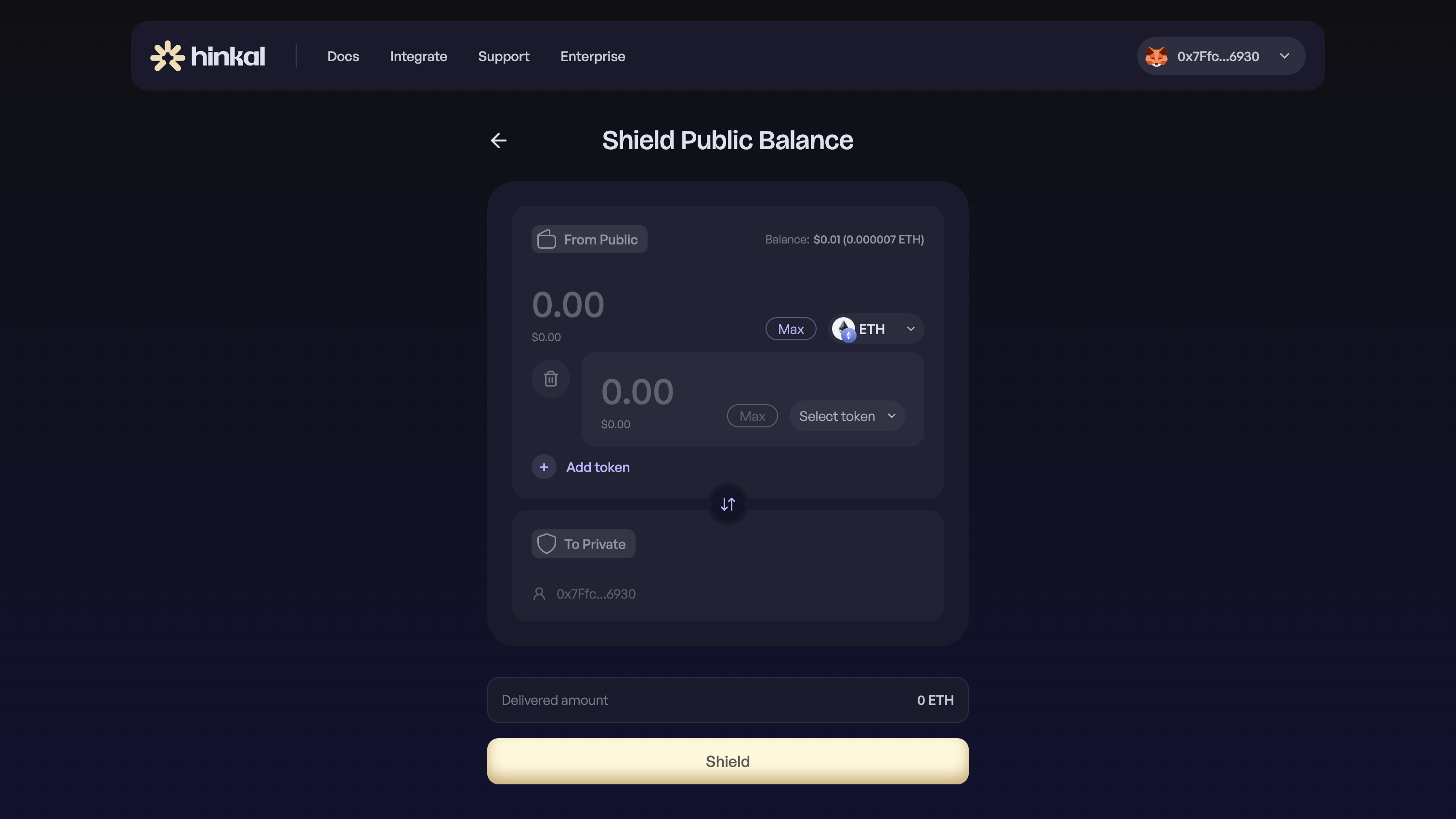
### Funding
Fund it by receiving a private payment (see [Receive](/hinkal/hinkal-pay/receive.md)) or by shielding assets from your public balance.
{% endstep %}
{% step %}
### Proceed
From there, you can send, swap and execute batch transactions
{% endstep %}
{% endstepper %}