> For the complete documentation index, see [llms.txt](https://hinkal-team.gitbook.io/hinkal/llms.txt). Markdown versions of documentation pages are available by appending `.md` to page URLs; this page is available as [Markdown](https://hinkal-team.gitbook.io/hinkal/hinkal-pay/send.md).
# Send
Sender, recipient, and amount stay private on-chain.
The sender:
* Deposits funds into the Hinkal smart contract instead of transferring directly to the recipient's public wallet (EOA)
* Funds move into a private balance inside the Hinkal smart contract, accessible with the recipient's existing wallet
## **How to send privately:**
{% stepper %}
{% step %}
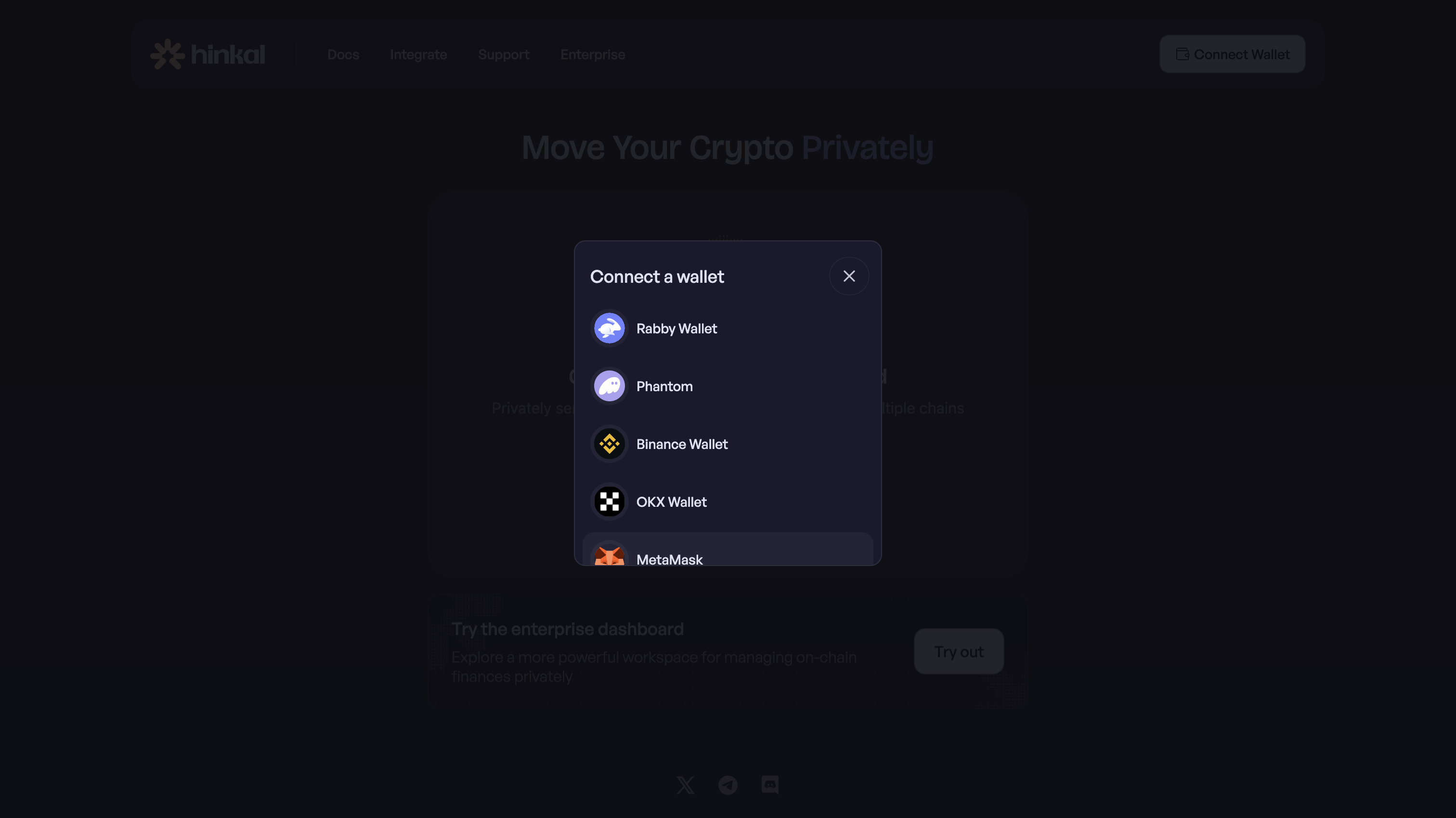
### Connect your existing wallet at pay.hinkal.io
{% endstep %}
{% step %}
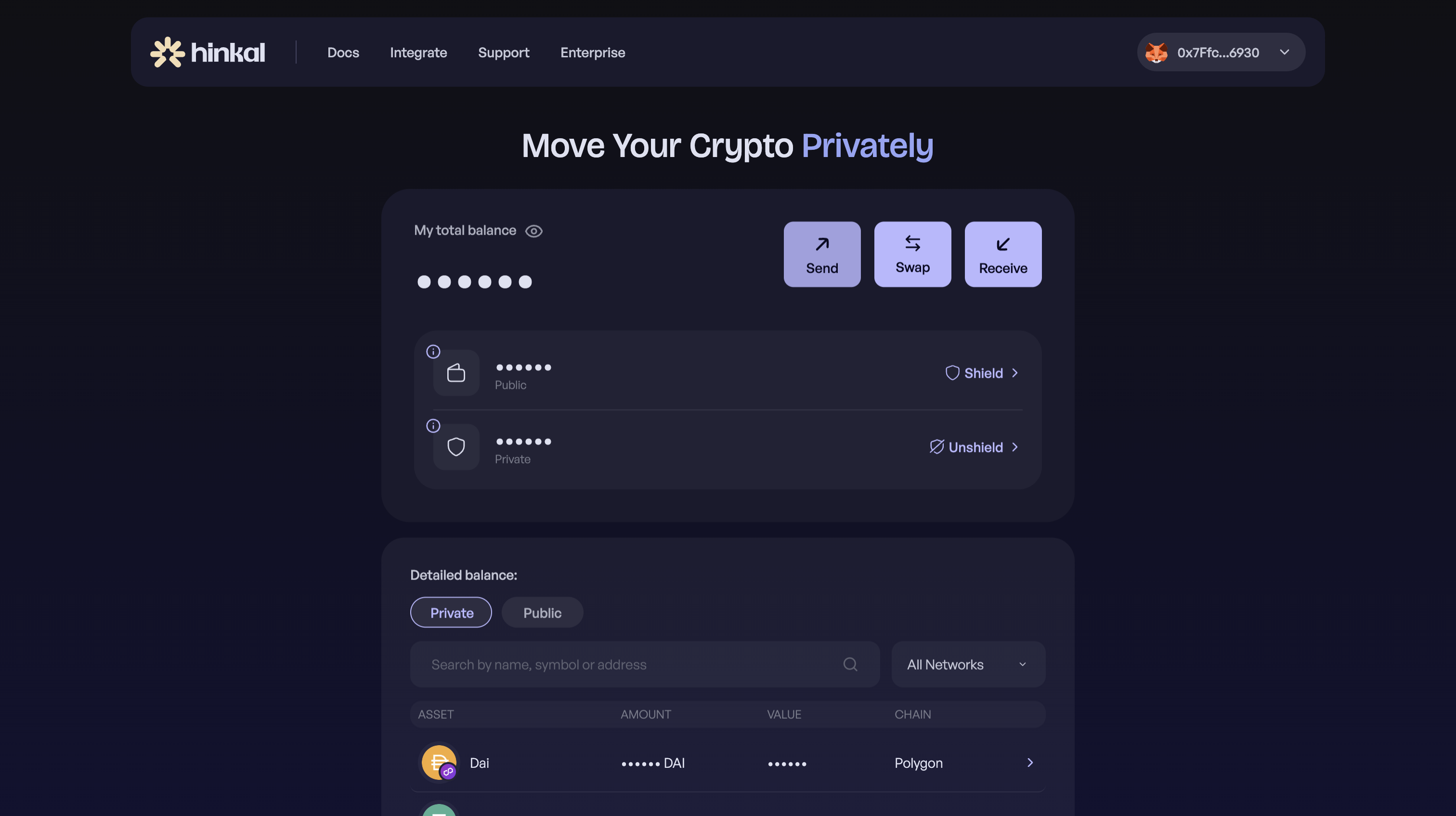
### Open the Send page
{% endstep %}
{% step %}
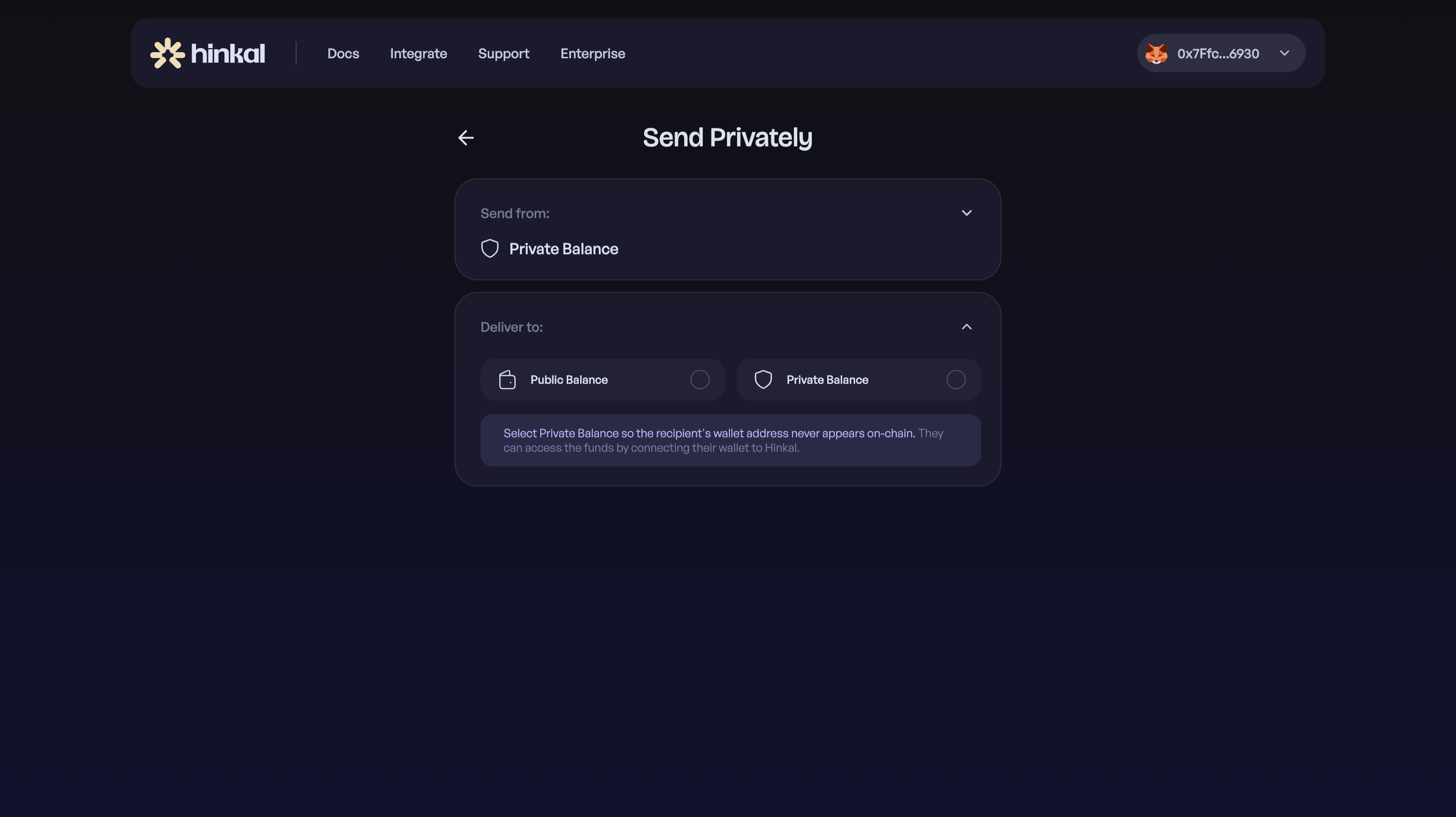
### Choose "From" and "To" balances - Public or Private
{% endstep %}
{% step %}
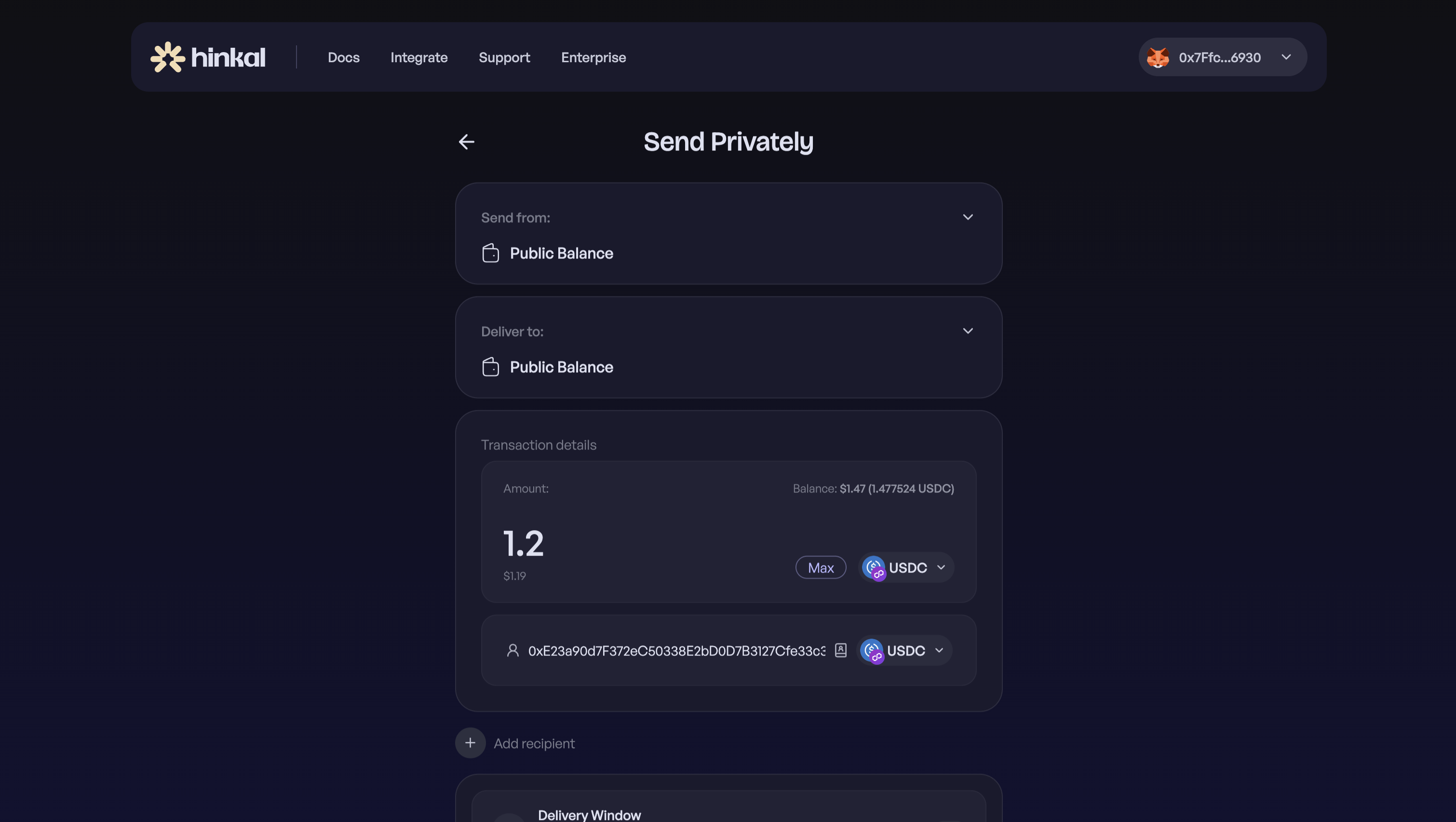
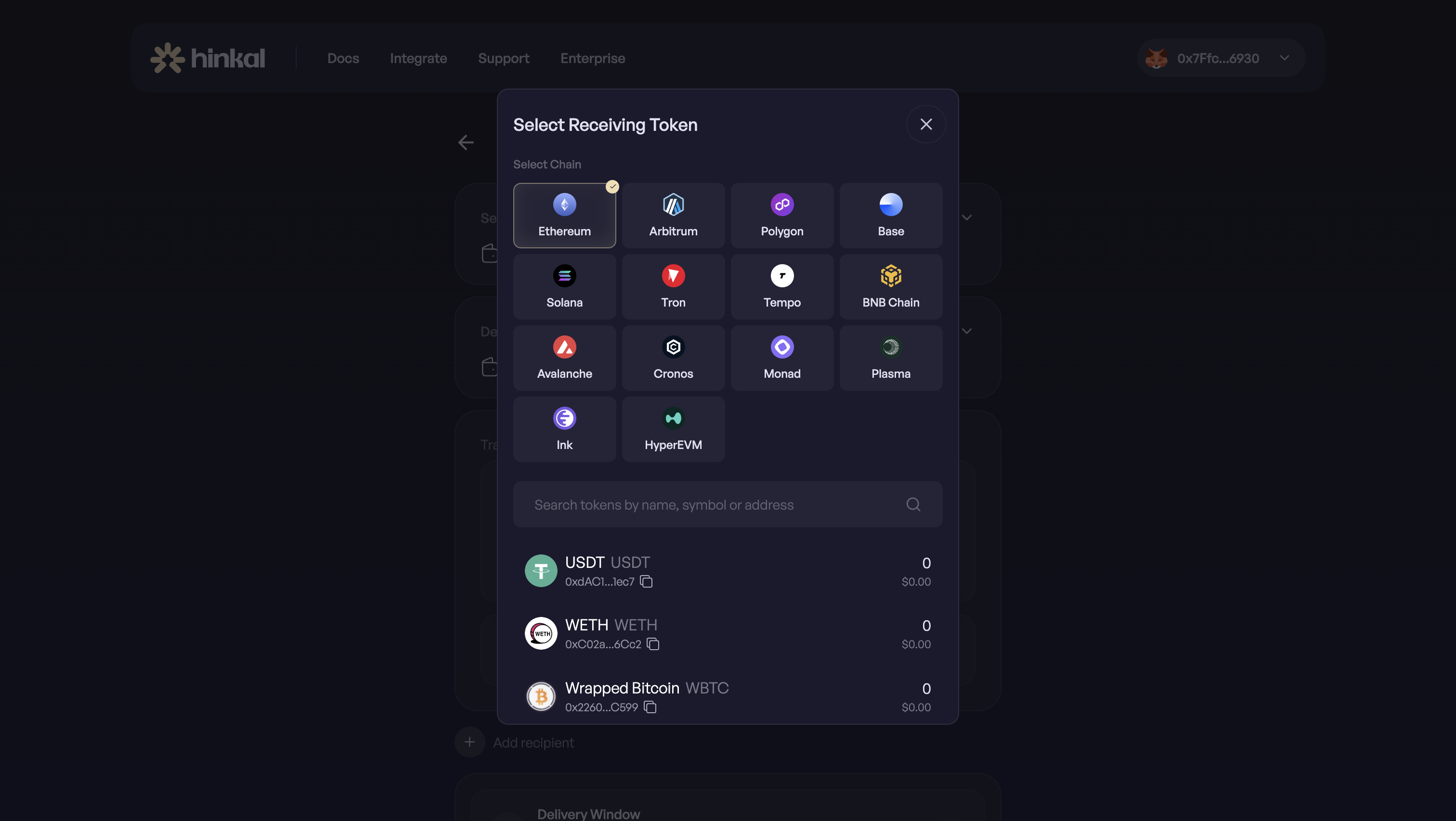
### Select token, amount, and chain
You can select the same token you are sending or a different one.\
You can also select the same chain you are sending from or a different one.
{% endstep %}
{% step %}
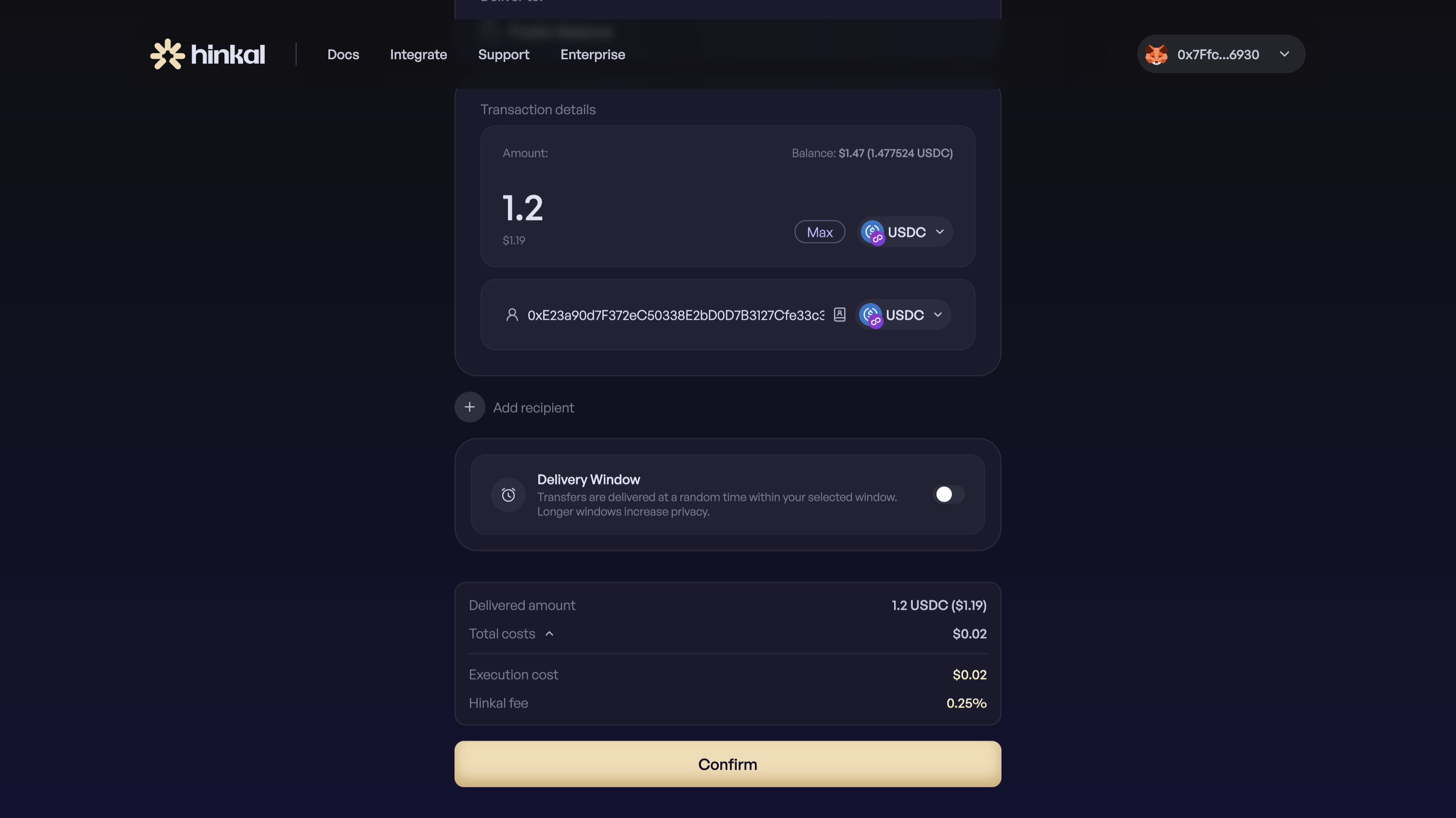
### Confirm
Review delivered amount, price impact (if available) and total costs before you proceed.
{% endstep %}
{% endstepper %}
### **Additional Options**
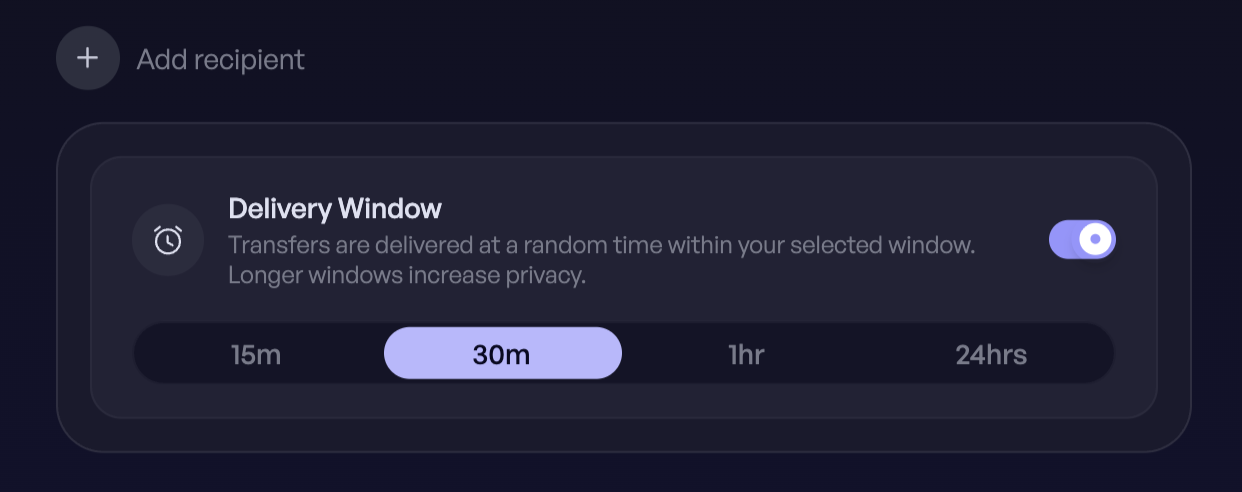
**Delivery Window**
By default a send executes as soon as it's submitted. Choosing a delivery window instead lets Hinkal execute it at a random point within the window you set. This breaks the timing link between when you pressed Send and when the transaction lands on-chain - an observer who saw you interact with Hinkal at a given moment can't match that to a specific payment.
Use it for larger or more sensitive payments where timing correlation matters. Skip it when the recipient needs the funds now. The funds leave your balance when the transaction executes, not when you submit.
{% hint style="info" %}
Delivery Window feature is available while executing Public to Public transfers.
{% endhint %}
***
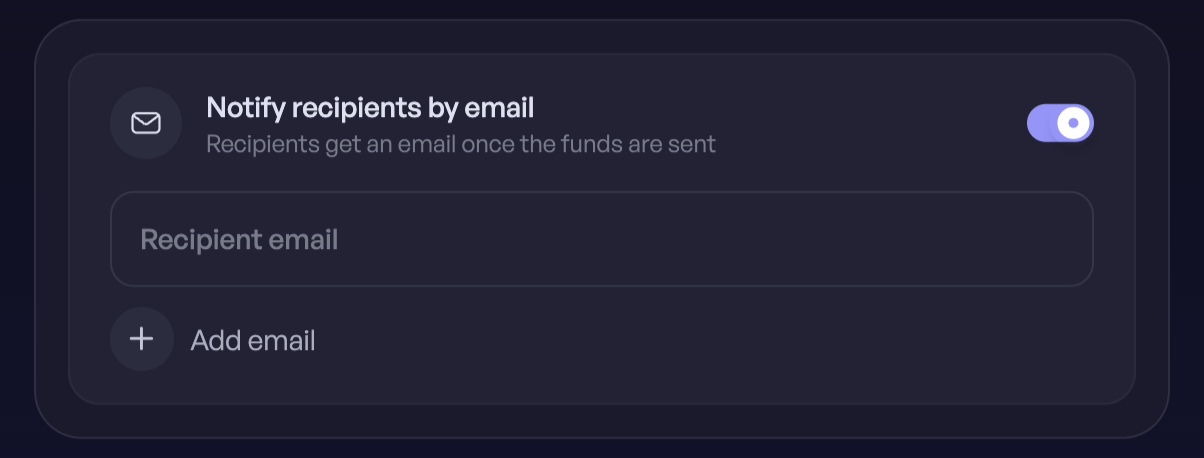
**Notify the recipient by email**
Enter the recipient's email and Hinkal sends them a notification when the funds arrive, with a link to pay.hinkal.io to claim them. It is useful when the recipient isn't watching their wallet, or has never used Hinkal and won't know to look.
The email contains no transaction details beyond what's needed to claim - **no amount, no sender**. Hinkal doesn't store the address after the notification is sent.
{% hint style="info" %}
Email Notifications feature is available while sending funds to Private balance.
{% endhint %}
***
**Multiple recipients**
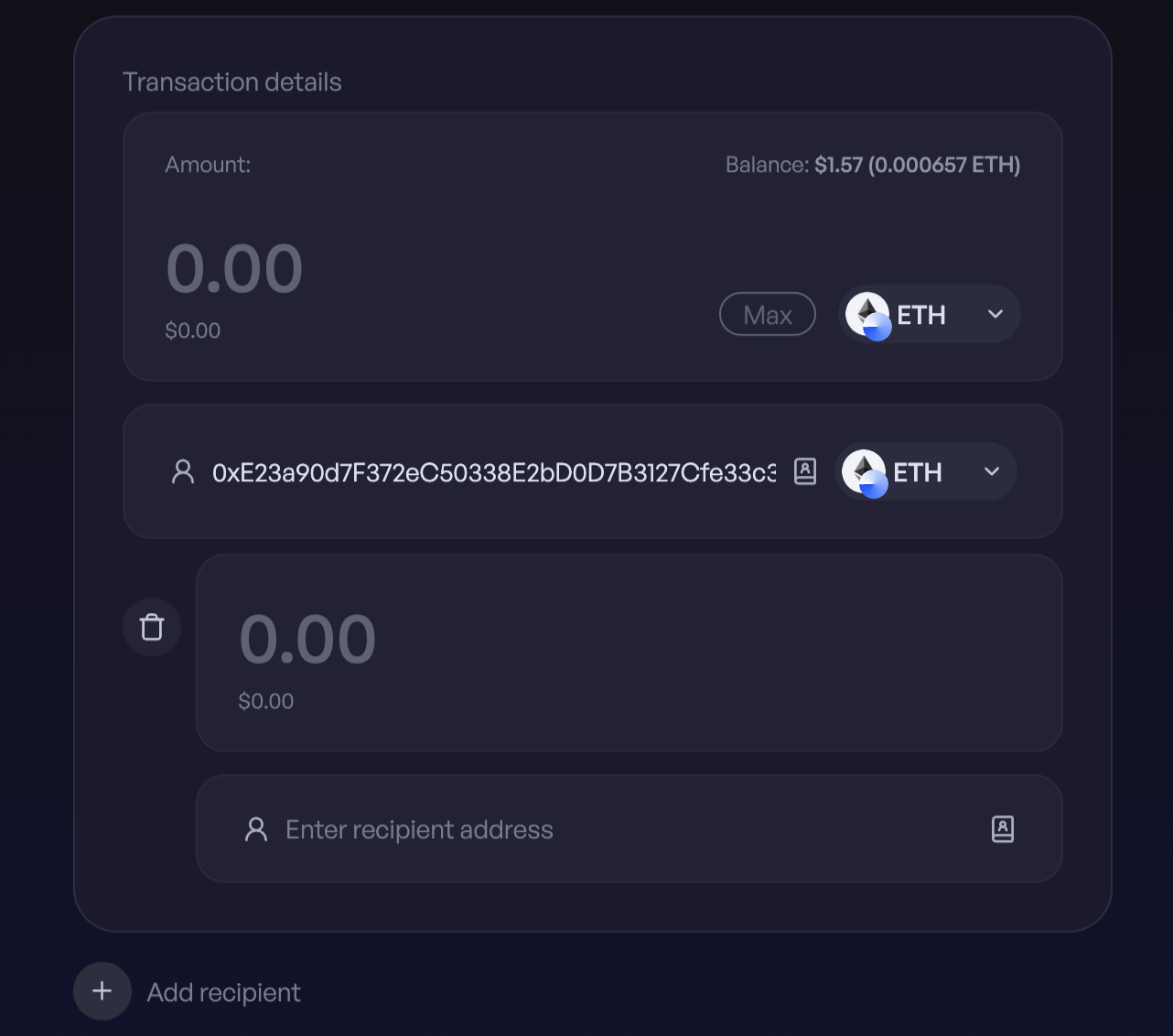
Add as many recipients as you need to a single send, each with its own address and amount.
***