> For the complete documentation index, see [llms.txt](https://hinkal-team.gitbook.io/hinkal/llms.txt). Markdown versions of documentation pages are available by appending `.md` to page URLs; this page is available as [Markdown](https://hinkal-team.gitbook.io/hinkal/hinkal-pay/shield-and-unshield.md).
# Shield & Unshield
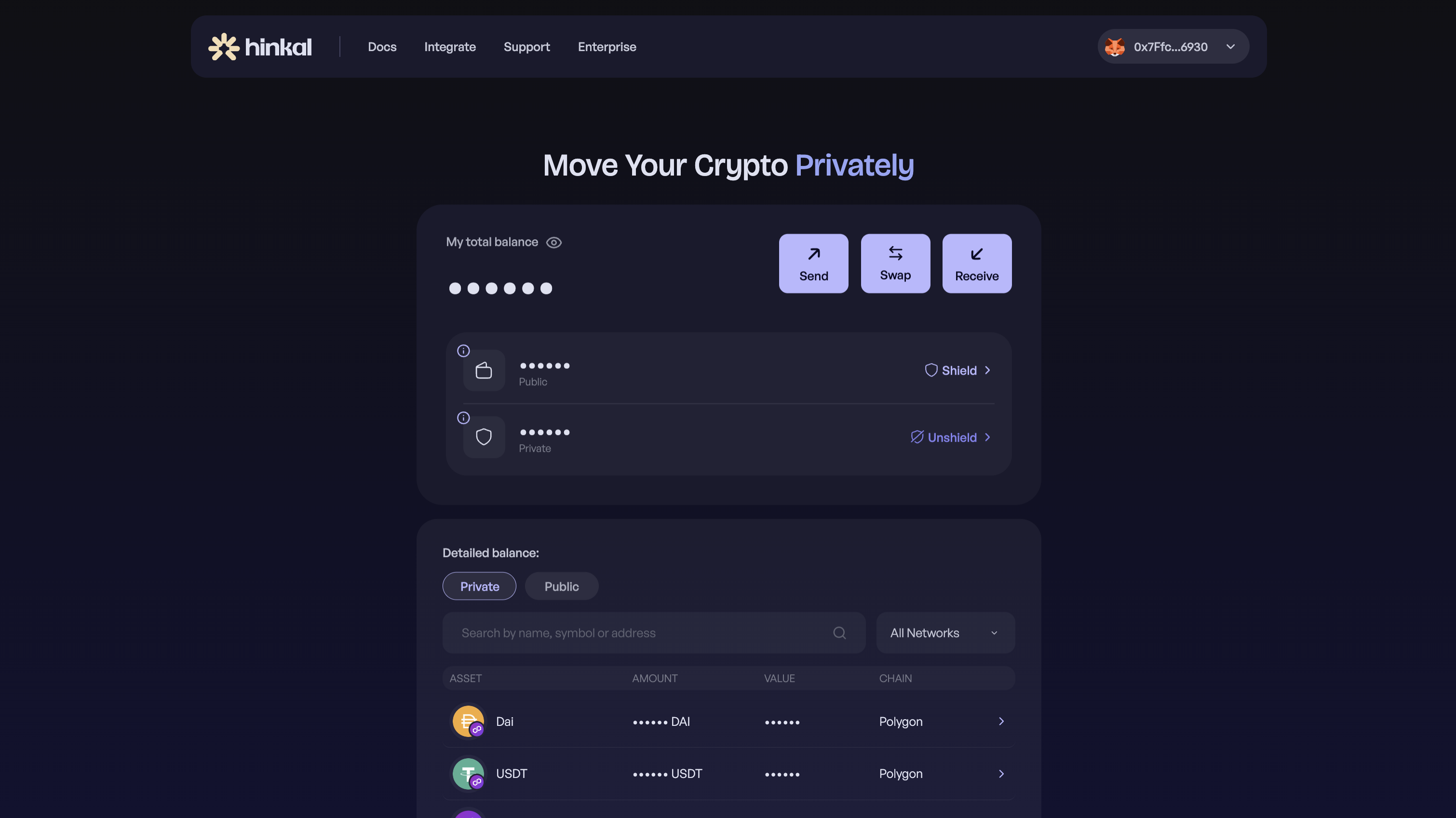
Shielding moves assets from your public balance into your private balance. Unshielding moves them back out to a public address. Both are controlled by the same wallet - nothing changes hands.
### **Shield**
Shielding is how you fund your private balance from assets you already hold. Once shielded, the assets no longer appear against your public address; they sit in the Hinkal smart contract, controlled by your wallet, and can be sent, swapped, or paid out privately from there.
### **How to Shield**
{% stepper %}
{% step %}
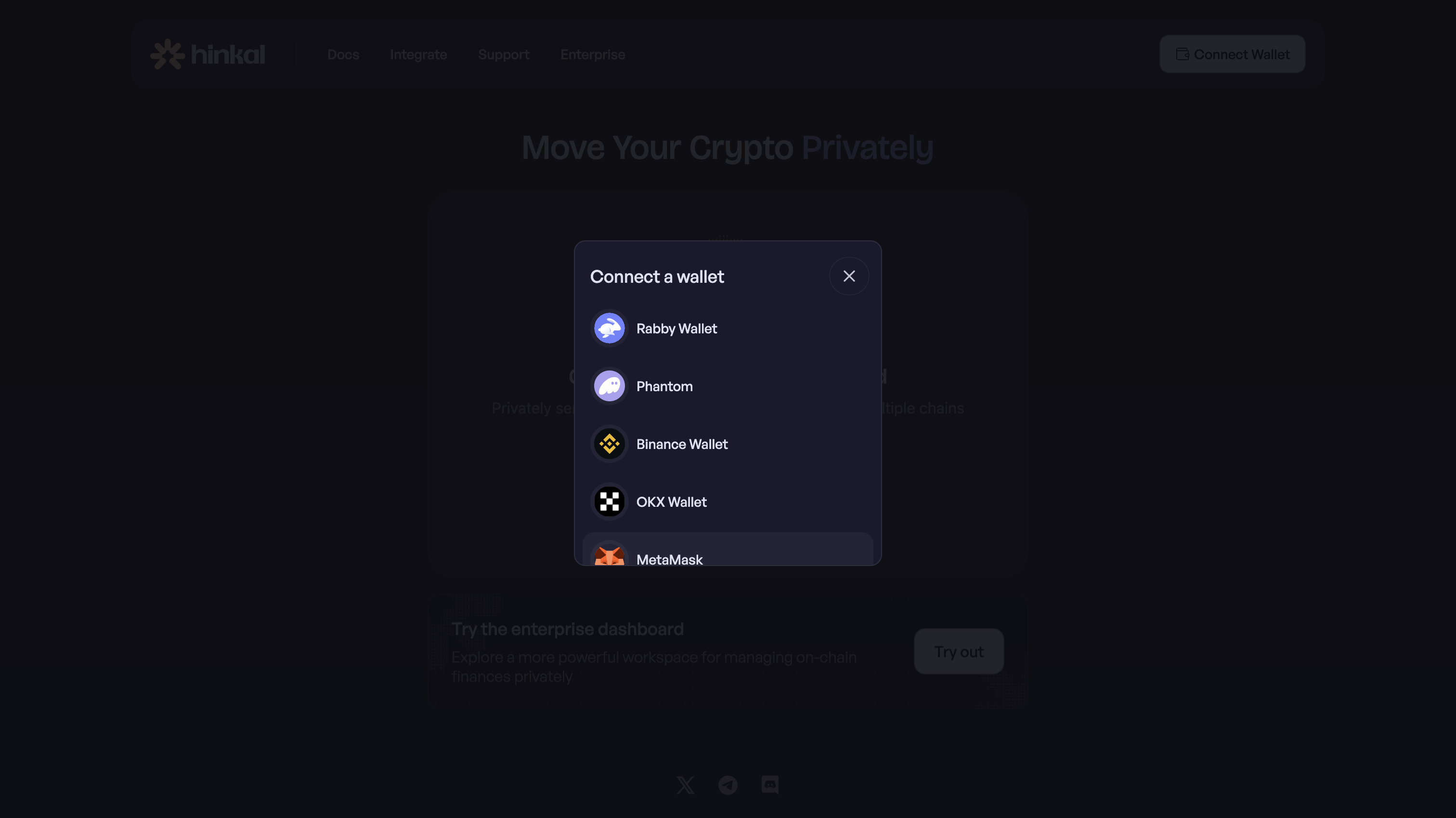
### Connect your wallet at pay.hinkal.io
{% endstep %}
{% step %}
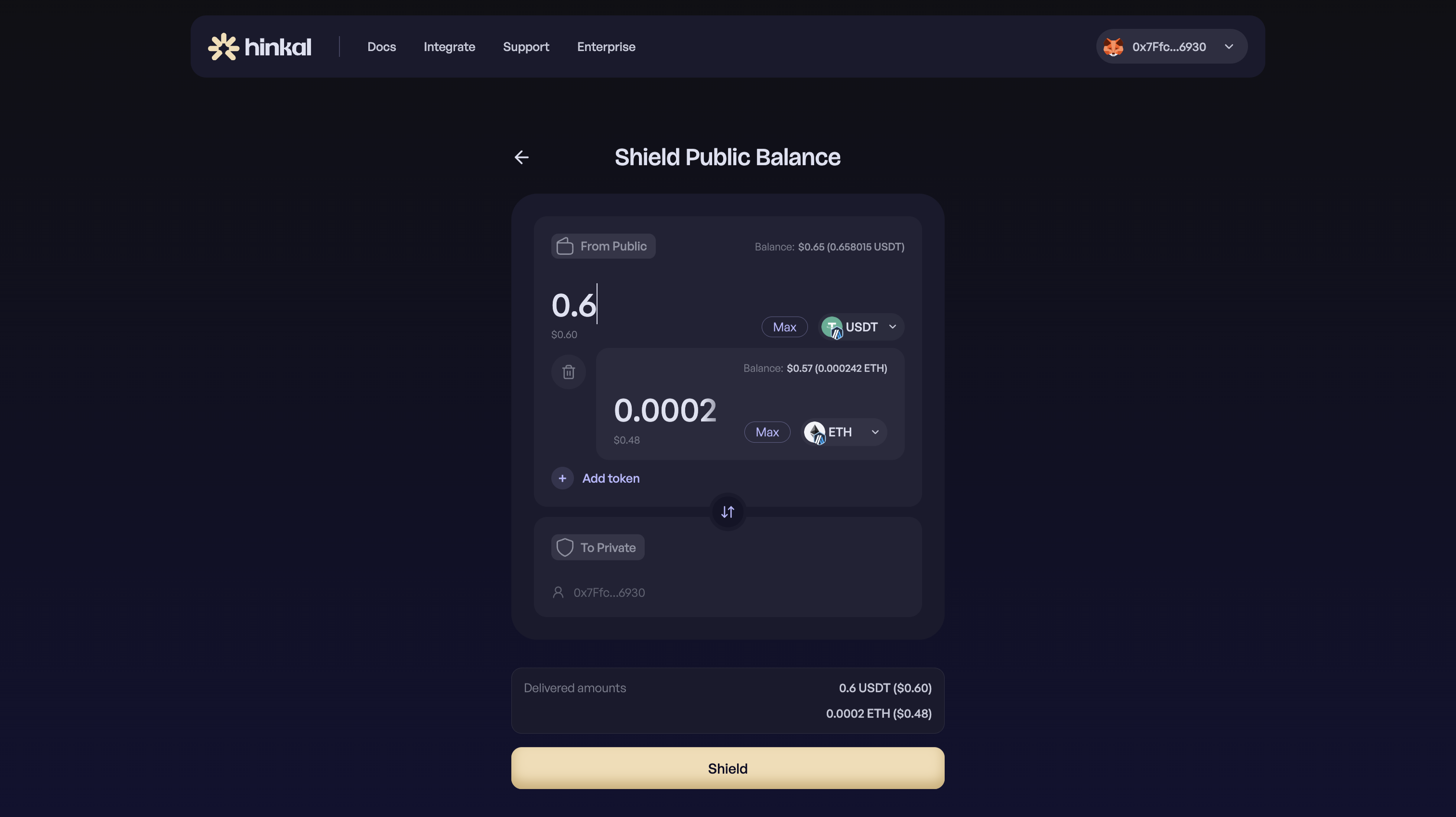
### Open the Shield page: Select the token, amount, and chain
{% endstep %}
{% step %}
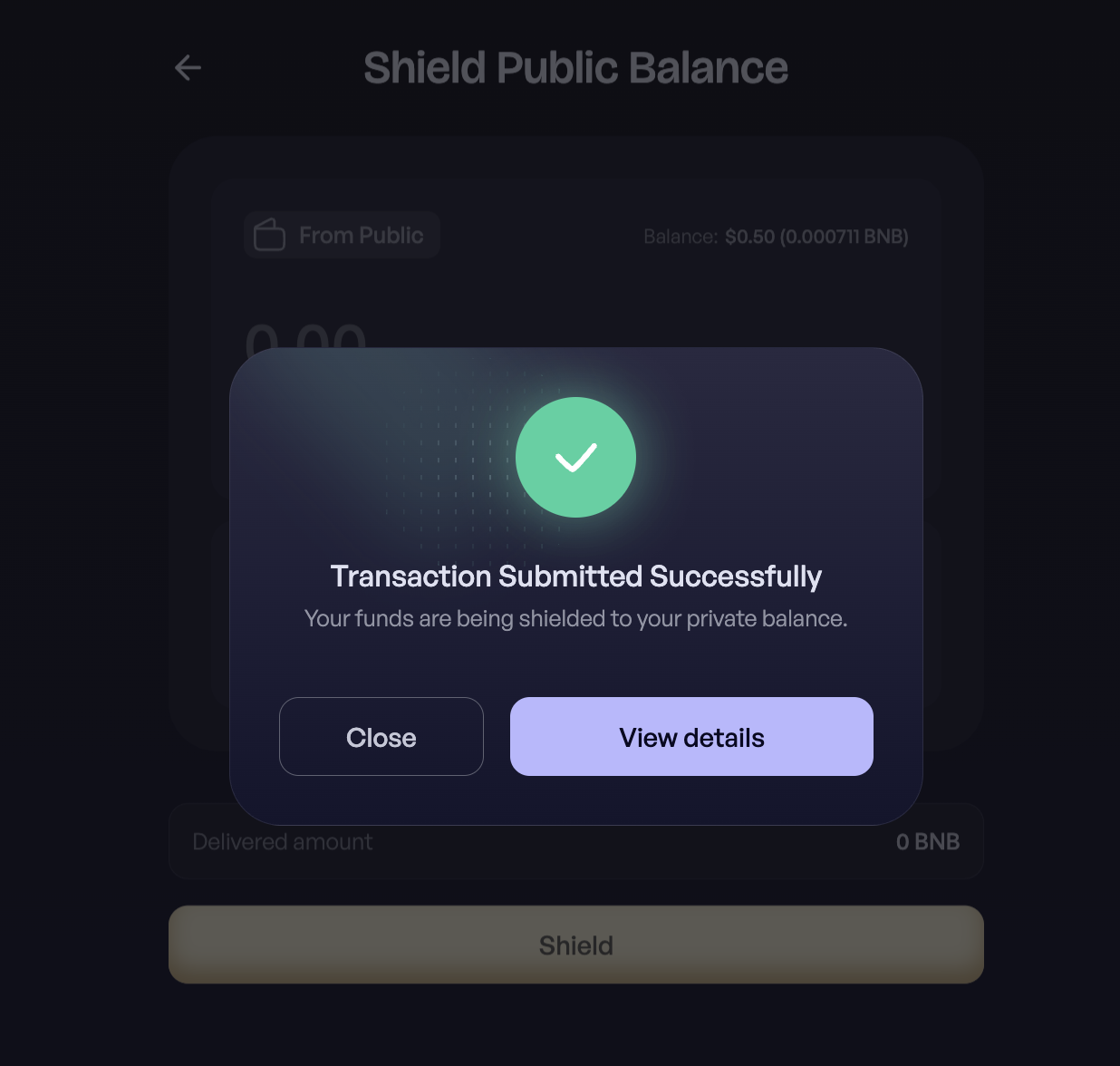
### Confirm
{% endstep %}
{% endstepper %}
The deposit is screened against Chainalysis at entry. See [Compliance](/hinkal/security-and-compliance/compliance.md).
***
### **Unshield**
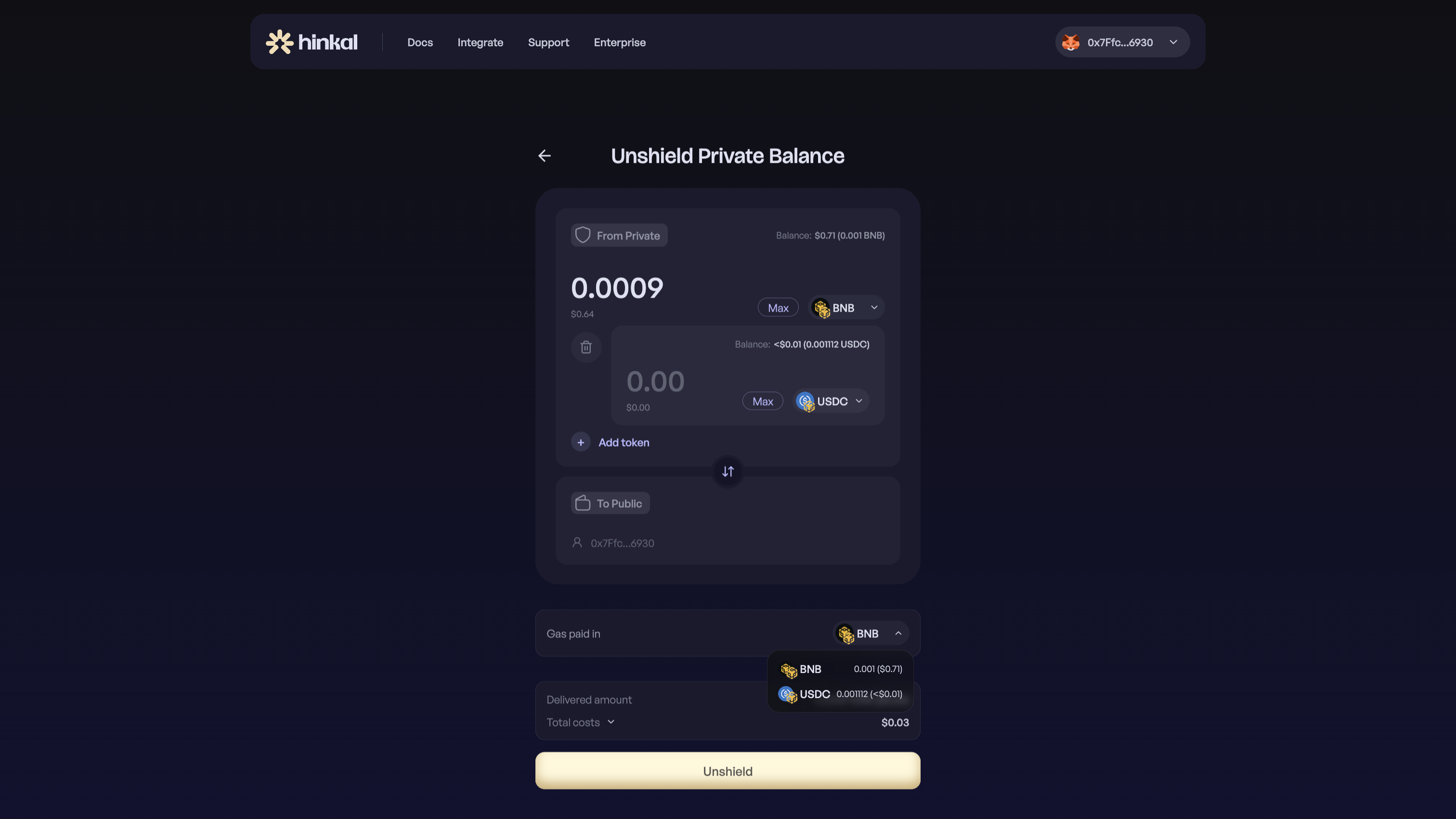
Unshielding sends assets from your private balance to a public address - your own or someone else's - as a standard on-chain transfer. The receiving address is public; the sender and the history behind the funds stay private.
### **How to Unshield**
{% stepper %}
{% step %}
### Connect your wallet at pay.hinkal.io
{% endstep %}
{% step %}
### Open the Unshield page
{% endstep %}
{% step %}
### Select the token, amount, and chain
During unshield, you can choose which participating token you want to use to pay fees with.
{% endstep %}
{% step %}
### Confirm