> For the complete documentation index, see [llms.txt](https://hinkal-team.gitbook.io/hinkal/llms.txt). Markdown versions of documentation pages are available by appending `.md` to page URLs; this page is available as [Markdown](https://hinkal-team.gitbook.io/hinkal/hinkal-pay/swap.md).
# Swap
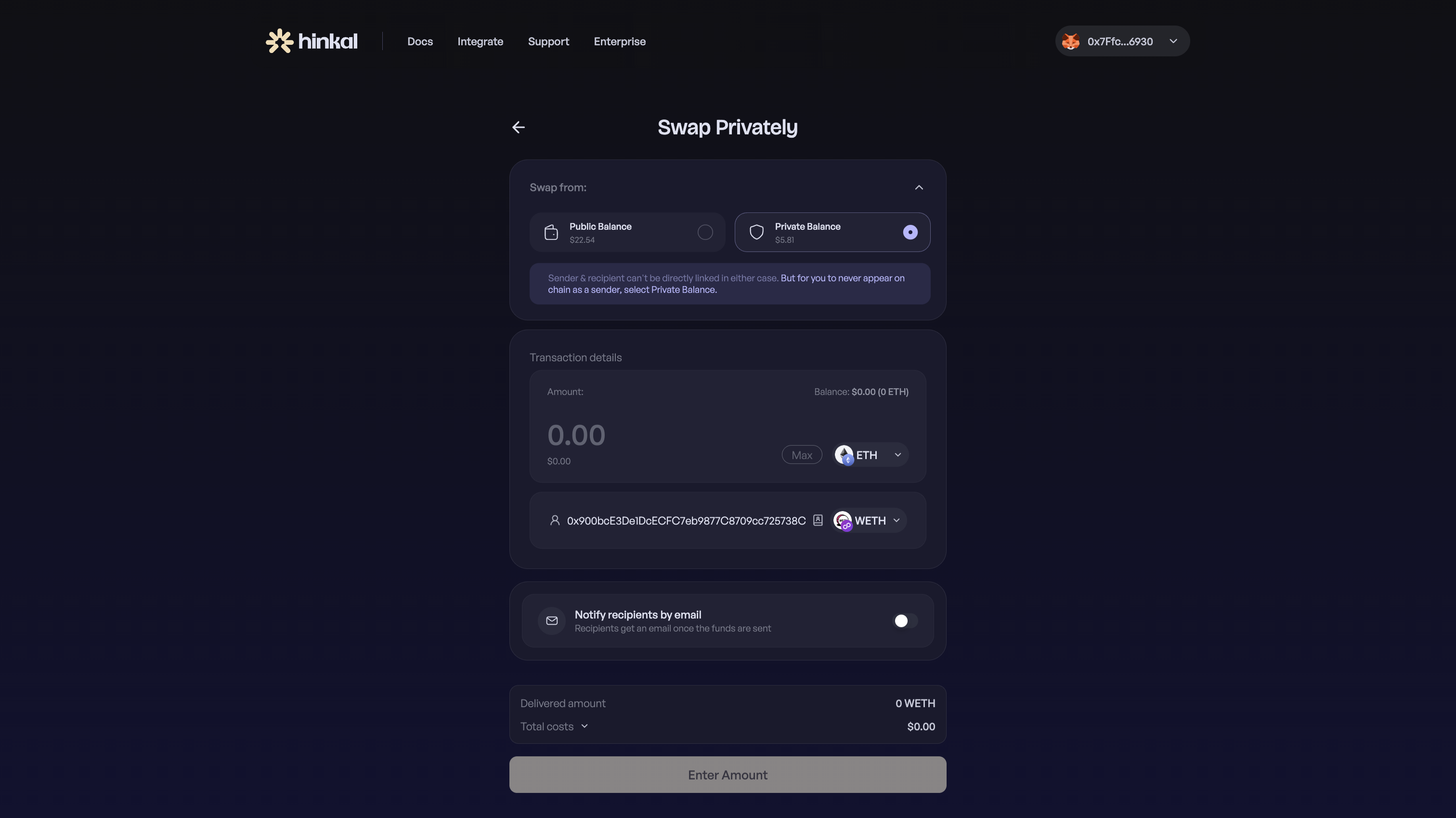
Swapping is the same private environment applied to a trade. You choose what you are swapping from, what you want to receive, and whether the result stays with you or goes to someone else.
#### **The user:**
* Swaps from either a public wallet balance or a private balance already held inside Hinkal
* Swaps into any supported token, on the same chain or on another chain, in a single step
* Keeps the swap by default, or names a recipient to swap and send at once
***
### **How to swap privately**
{% stepper %}
{% step %}
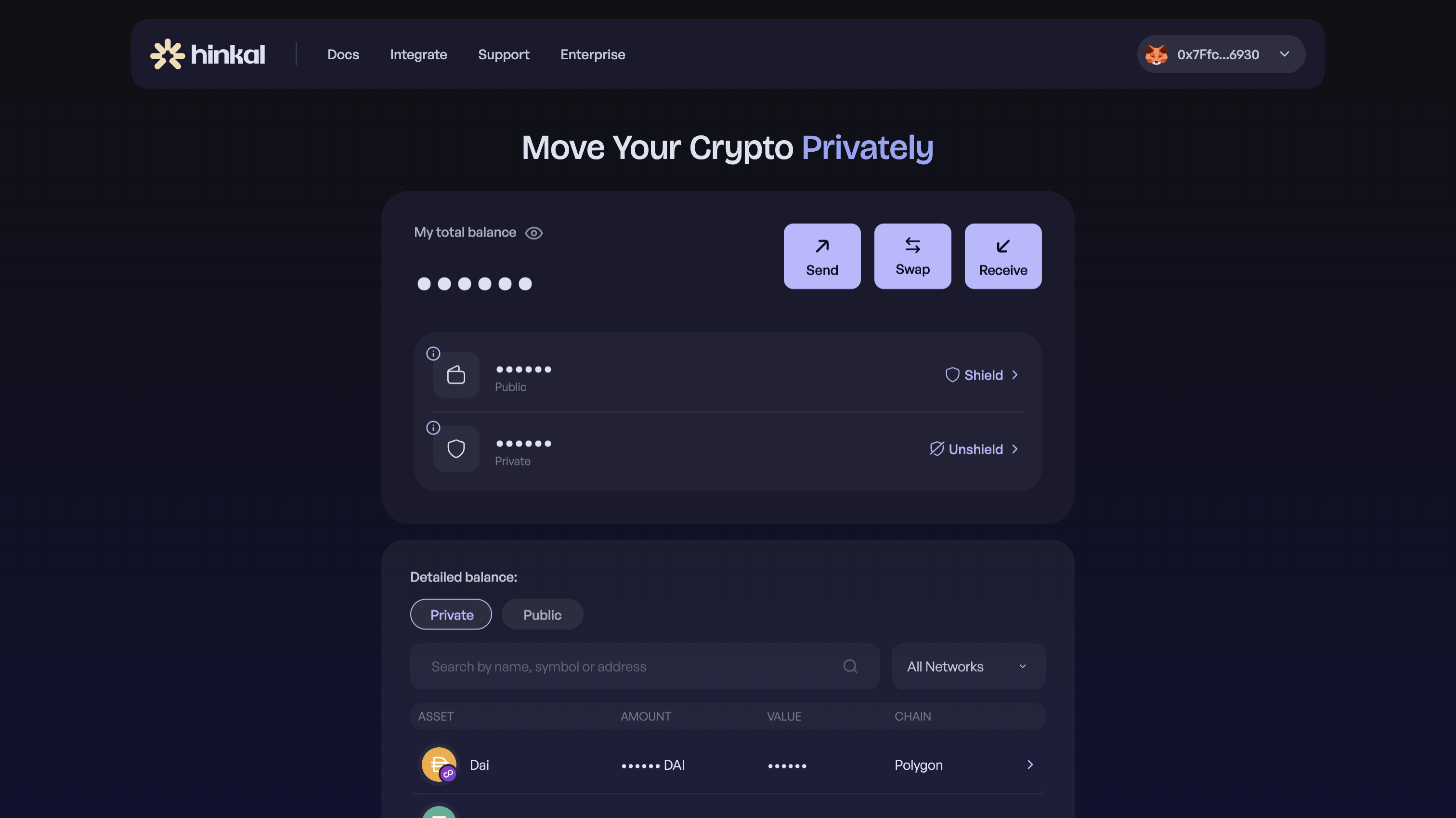
### Connect your wallet at pay.hinkal.io and open Swap page
{% endstep %}
{% step %}
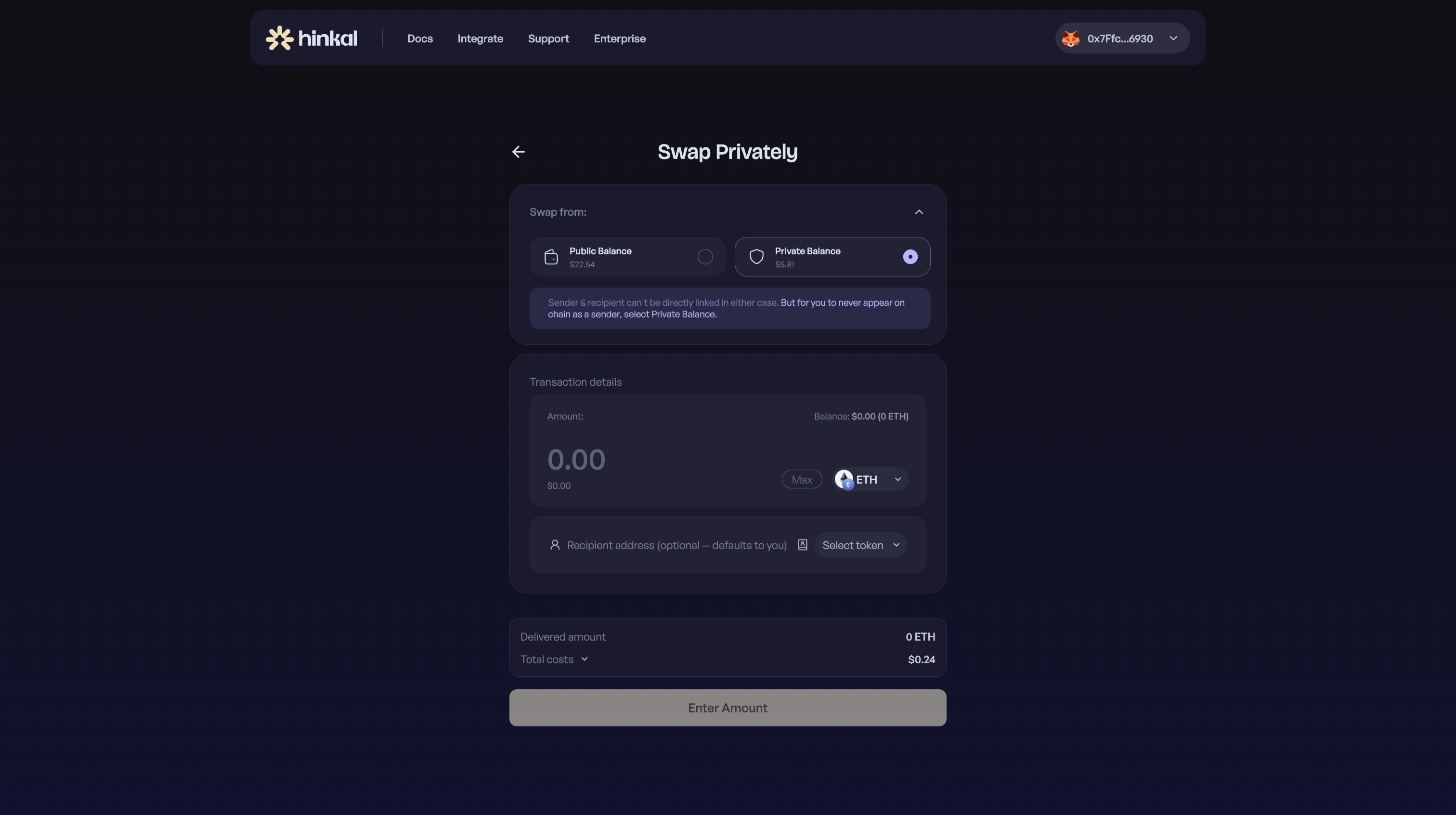
### Choose what you are swapping from: your public wallet balance or your private balance
{% endstep %}
{% step %}
### Select the token and amount you are swapping
{% endstep %}
{% step %}
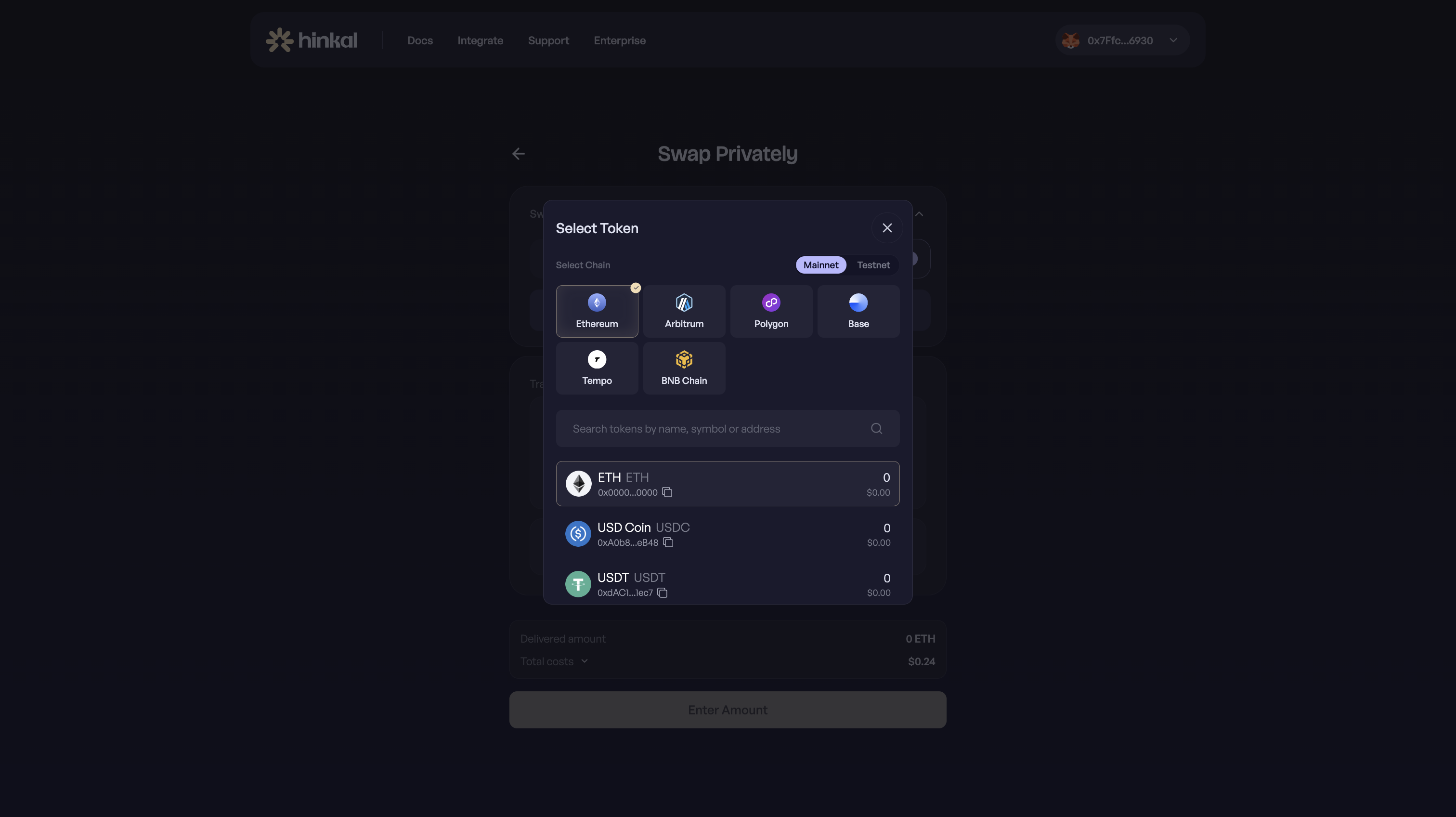
### Select the token you want to receive: any supported token, on any supported chain
{% endstep %}
{% step %}
### Leave the recipient field empty to receive it yourself, or enter an address to swap and send in one step
{% endstep %}
{% step %}
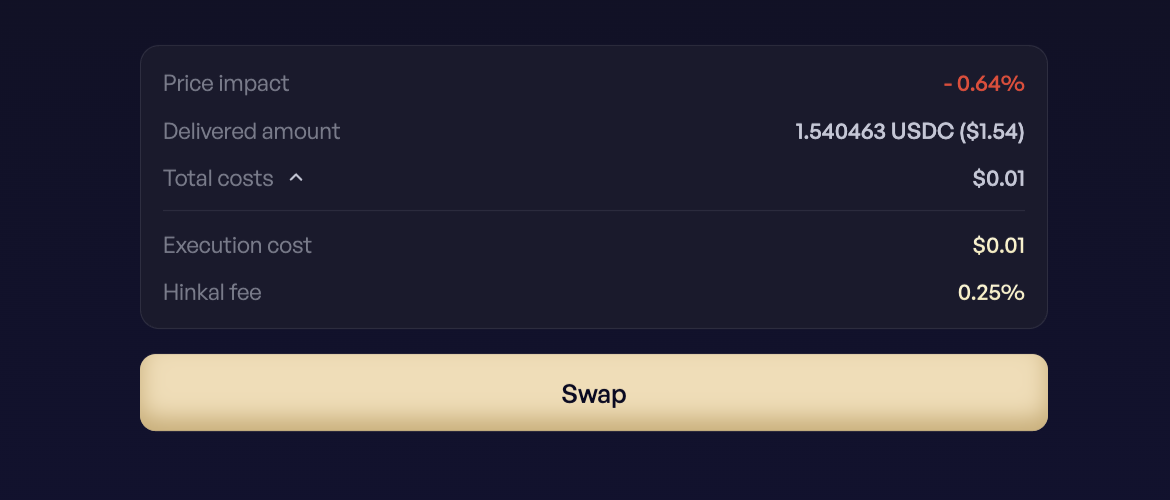
### Review the route, fees, and price impact, then swap
{% endstep %}
{% endstepper %}
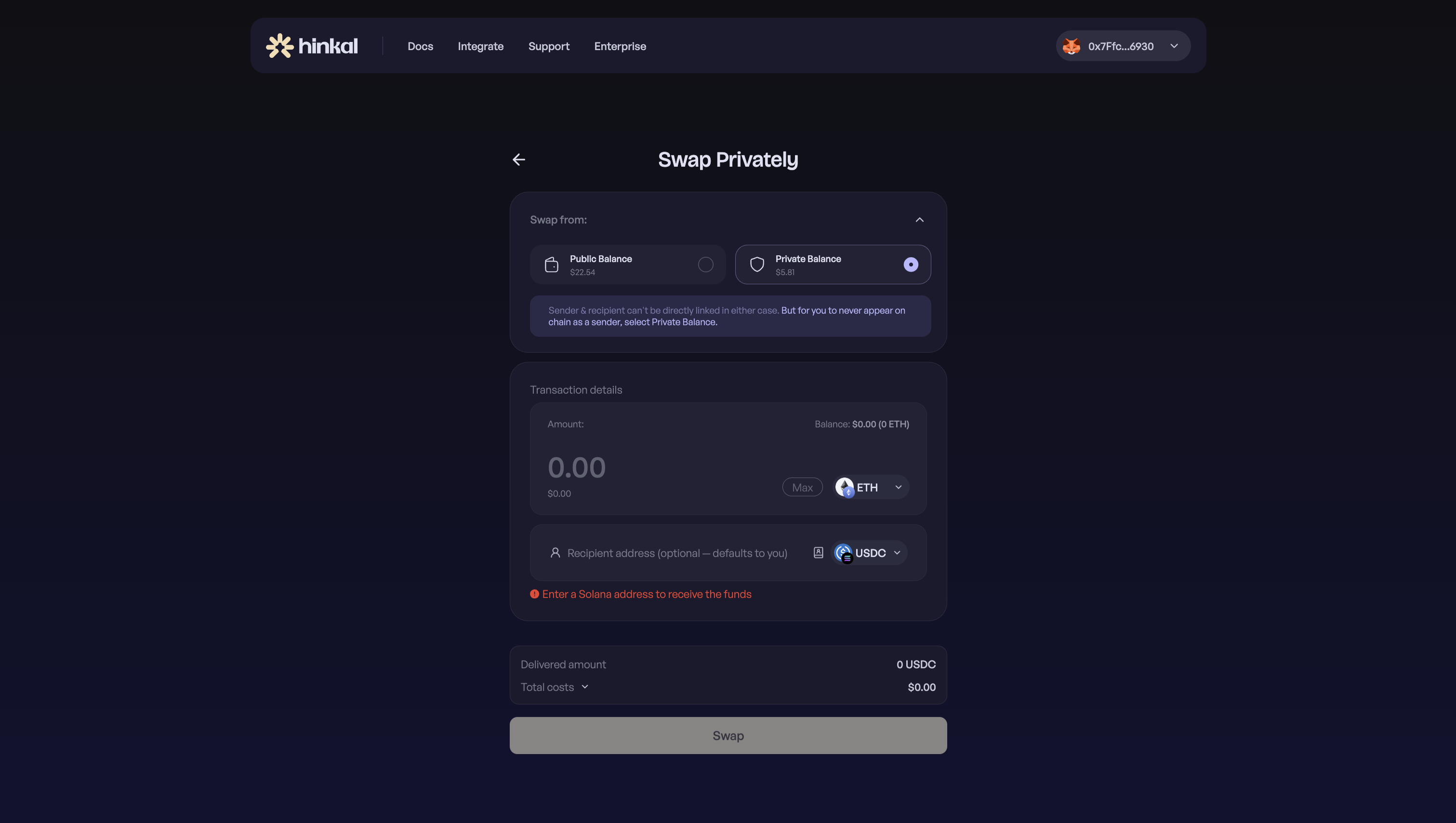
#### **Receiving on another network**
If the token you are receiving lives on a different network family than the wallet you connected with - for example, receiving on Solana while connected with an EVM wallet - enter a receiving address on that network. Hinkal Pay asks for it before the swap can be submitted.