> For the complete documentation index, see [llms.txt](https://hinkal-team.gitbook.io/hinkal/llms.txt). Markdown versions of documentation pages are available by appending `.md` to page URLs; this page is available as [Markdown](https://hinkal-team.gitbook.io/hinkal/hinkal-prime/receive.md).
# Receive
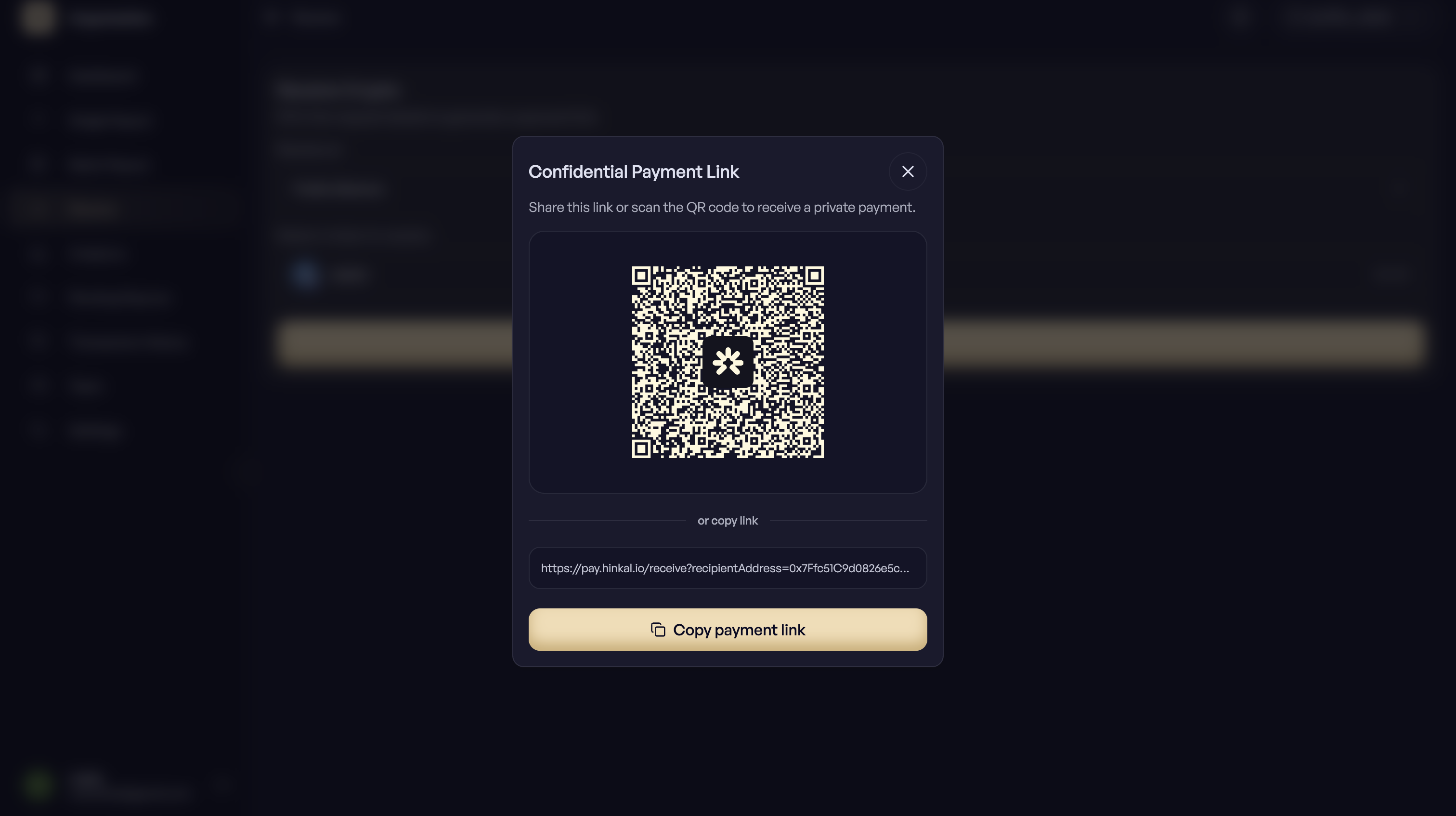
Receive creates a request link. Send it to whoever is paying you, and the funds arrive in your organization balance.
## How to receive into the organization?
{% stepper %}
{% step %}
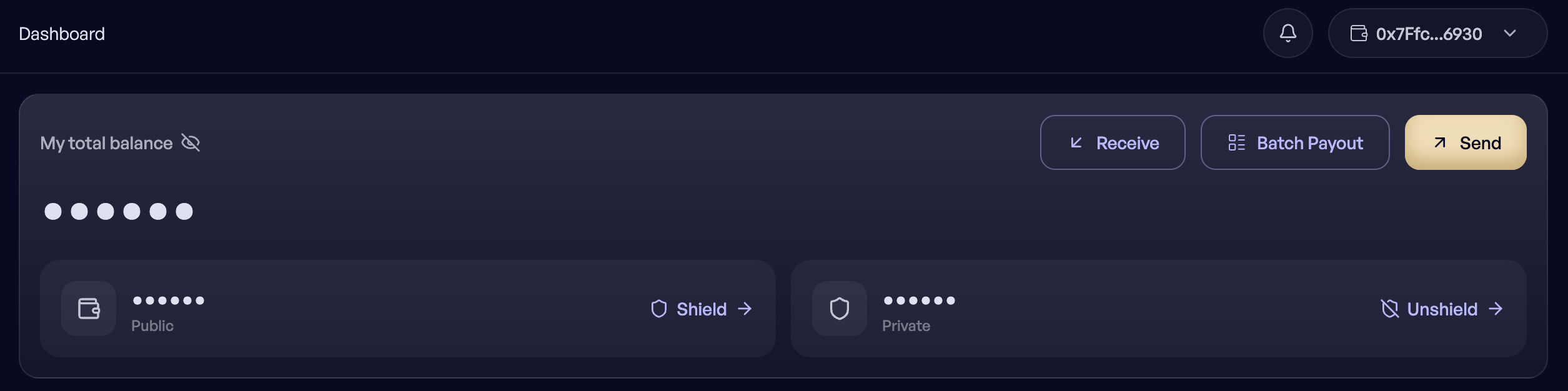
### Open Receive
{% endstep %}
{% step %}
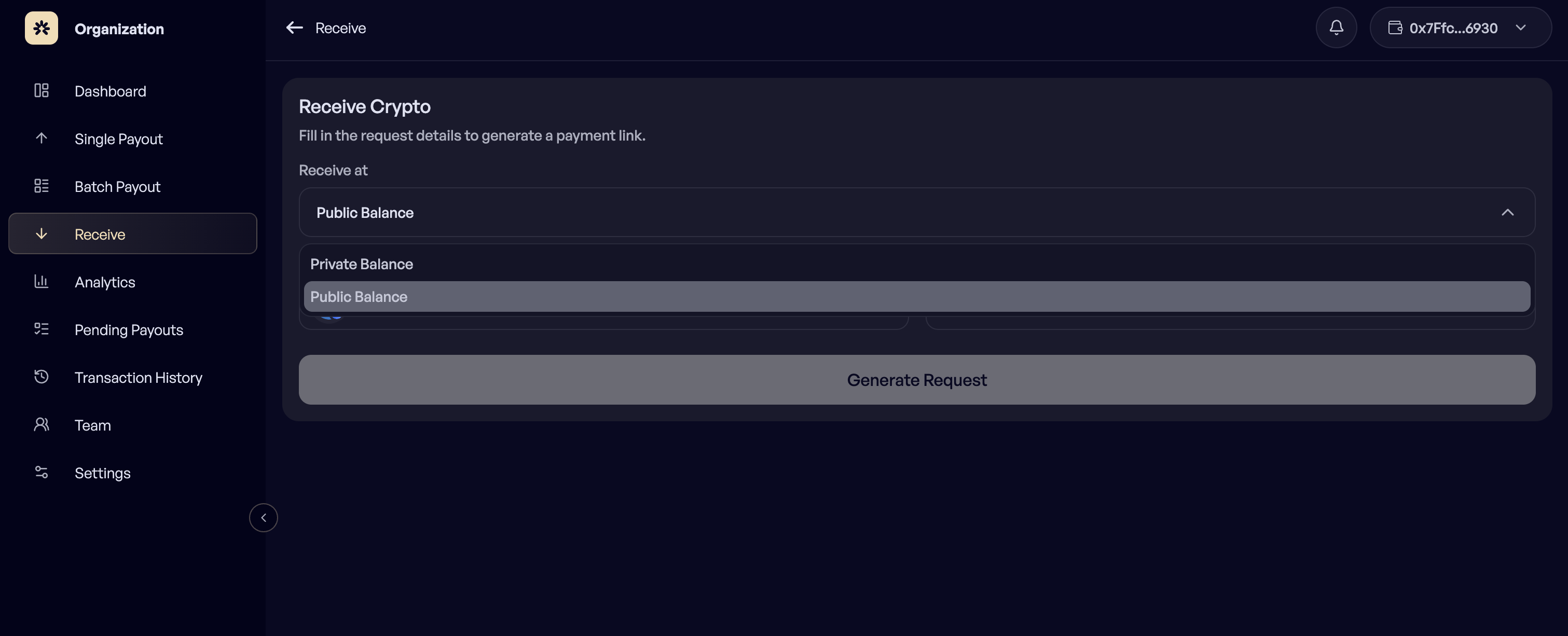
### Choose the balance
Choose the balance the funds should land in: the private balance or the public balance.
{% endstep %}
{% step %}
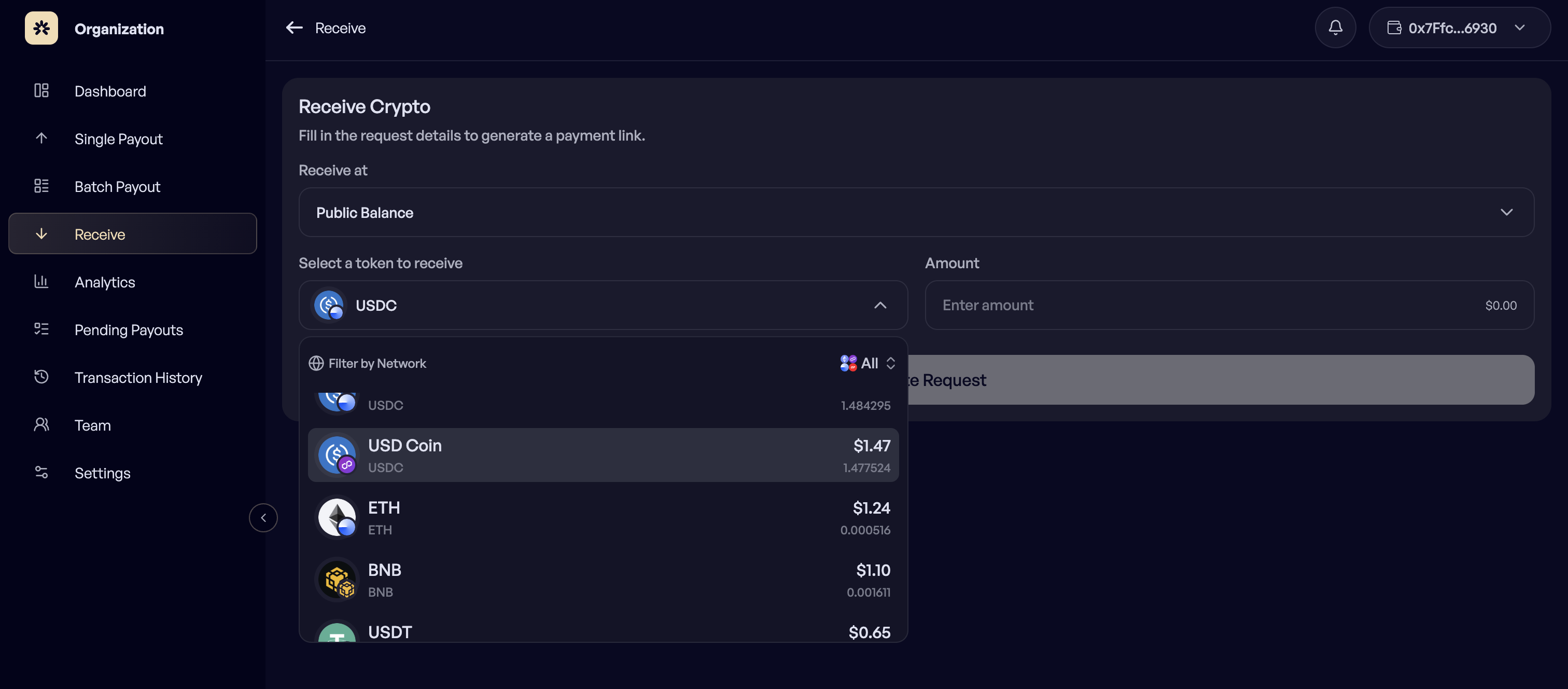
### Select the token and network
{% endstep %}
{% step %}
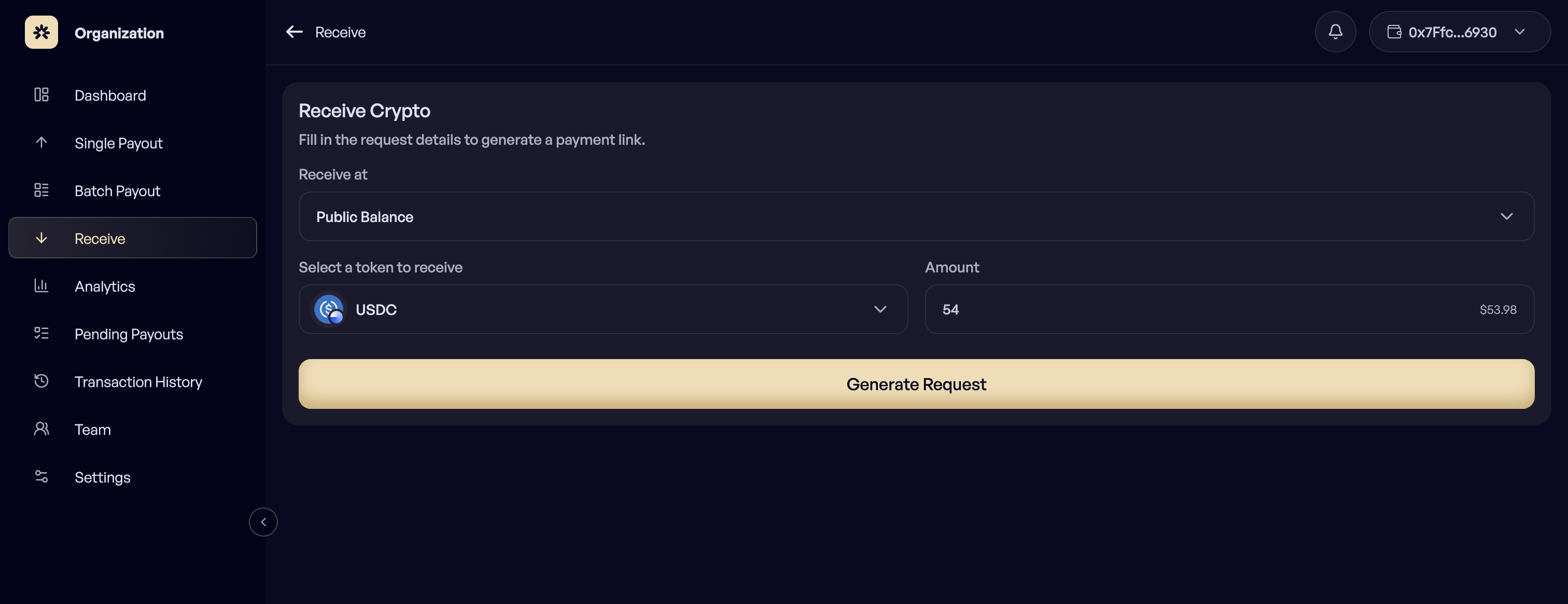
### Enter the amount
{% endstep %}
{% step %}
### Create the request
Create the request and copy the link.
{% endstep %}
{% endstepper %}
### What the payer sees
The link opens Hinkal Pay with the token, network, and amount already filled in. The payer connects their own wallet and pays. They do not need a Prime account, and they do not need to understand shielding, UTXOs, or note management.
***
### Where the funds land
1. **Requested against the private balance**
The payment settles as a private balance inside the Hinkal smart contract, controlled by the organization wallet. Nothing arrives at the public address, so incoming settlement volume is not visible on-chain.
2. **Requested against the public balance**
The payment is a normal on-chain transfer to the organization address.
***
### Used for:
* Invoicing a client
* Collecting funds from another entity in the same group
* Topping up the confidential balance before a payroll run