> For the complete documentation index, see [llms.txt](https://hinkal-team.gitbook.io/hinkal/llms.txt). Markdown versions of documentation pages are available by appending `.md` to page URLs; this page is available as [Markdown](https://hinkal-team.gitbook.io/hinkal/hinkal-prime/shield-and-unshield.md).
# Shield and Unshield
These two pages move funds between the organization public balance and the private balance. Nothing leaves the organization in either direction.
## Shield
Shielding moves funds from the connected wallet into the private balance inside the Hinkal smart contract.
{% stepper %}
{% step %}
### Open Shield
{% endstep %}
{% step %}
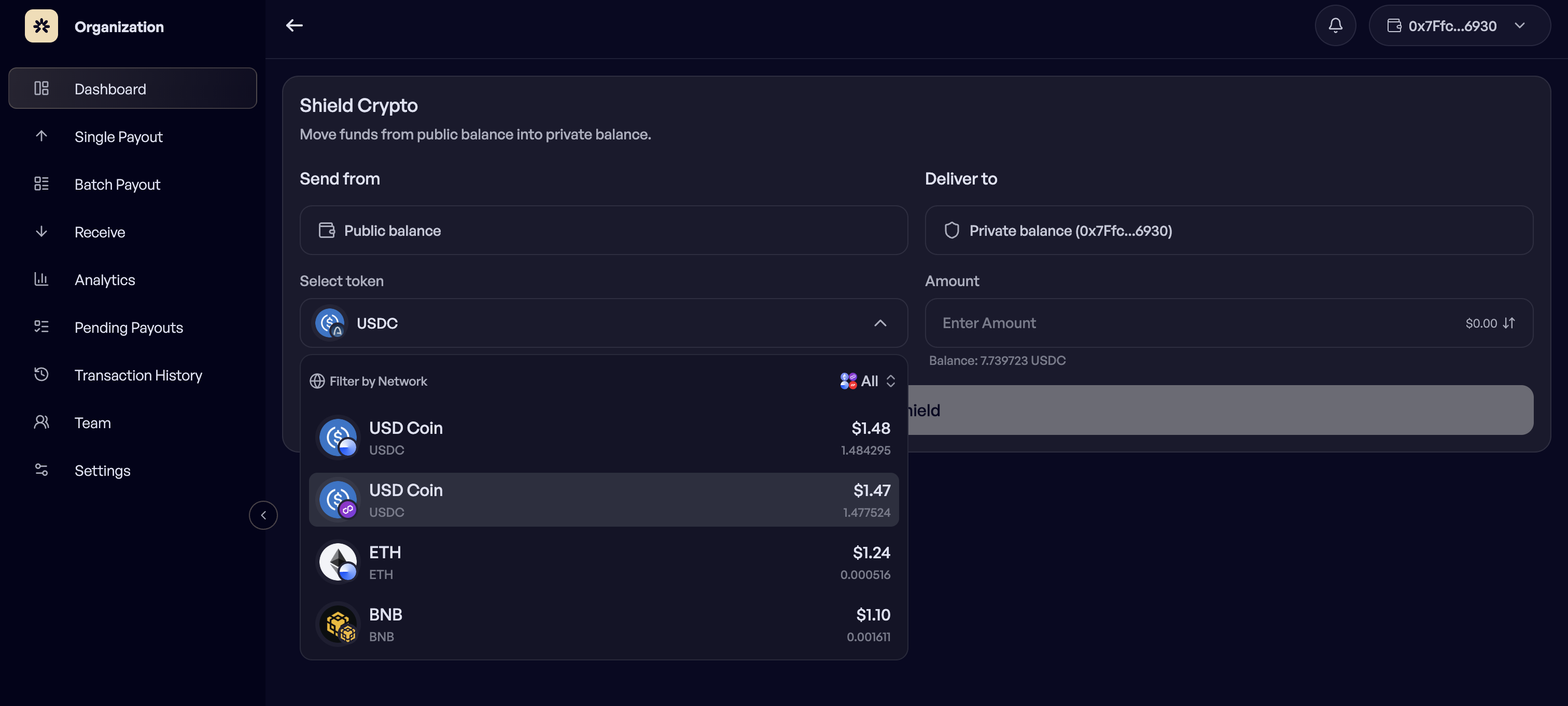
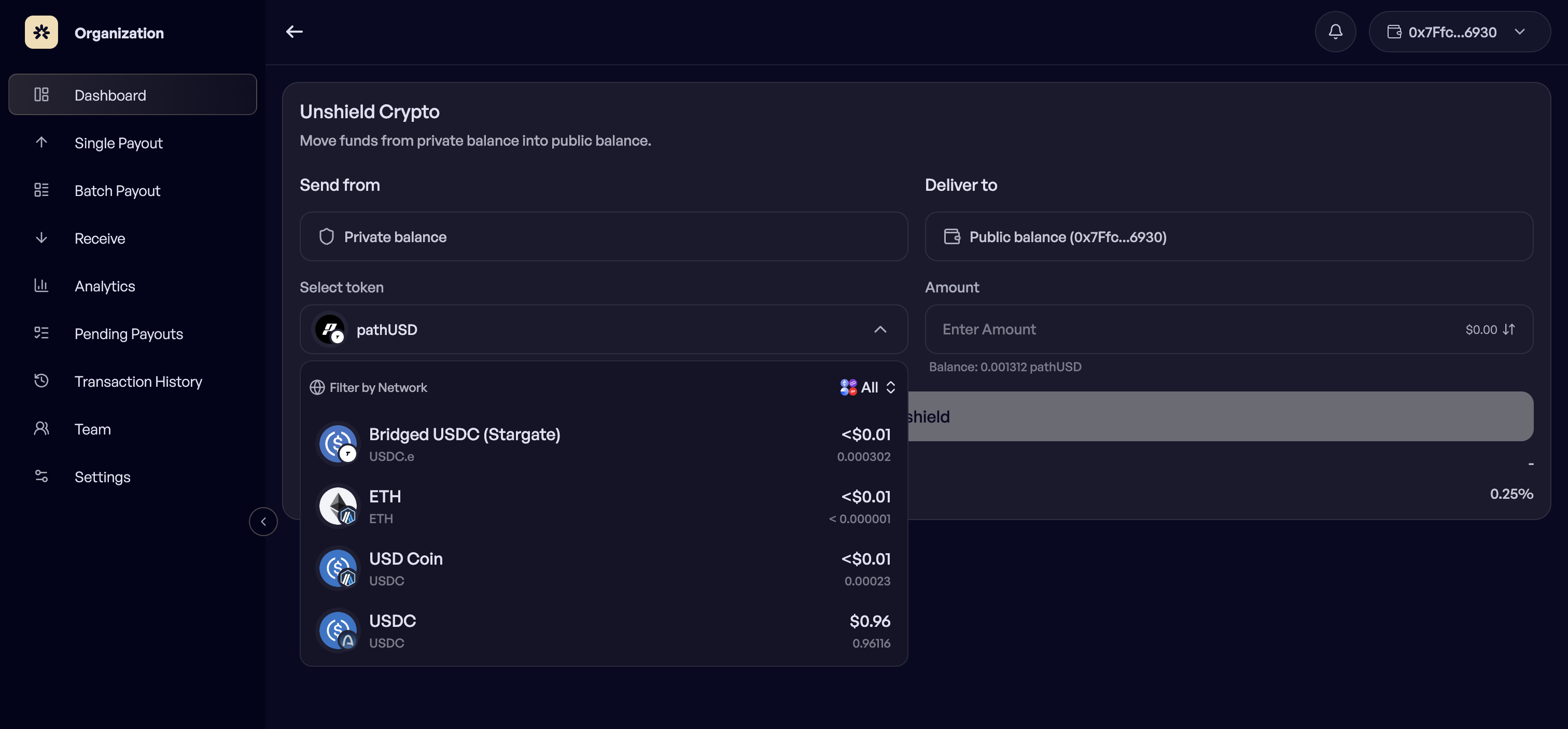
### Select the token and network
{% endstep %}
{% step %}
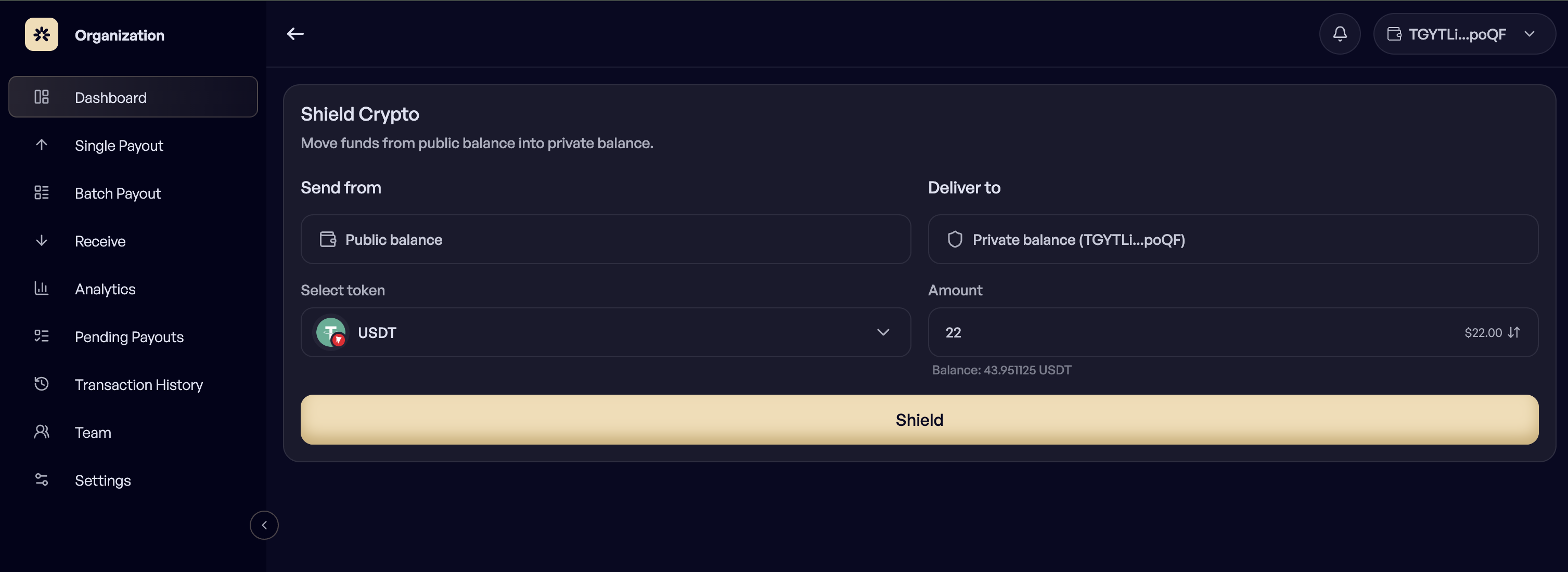
### Enter the amount
{% endstep %}
{% step %}
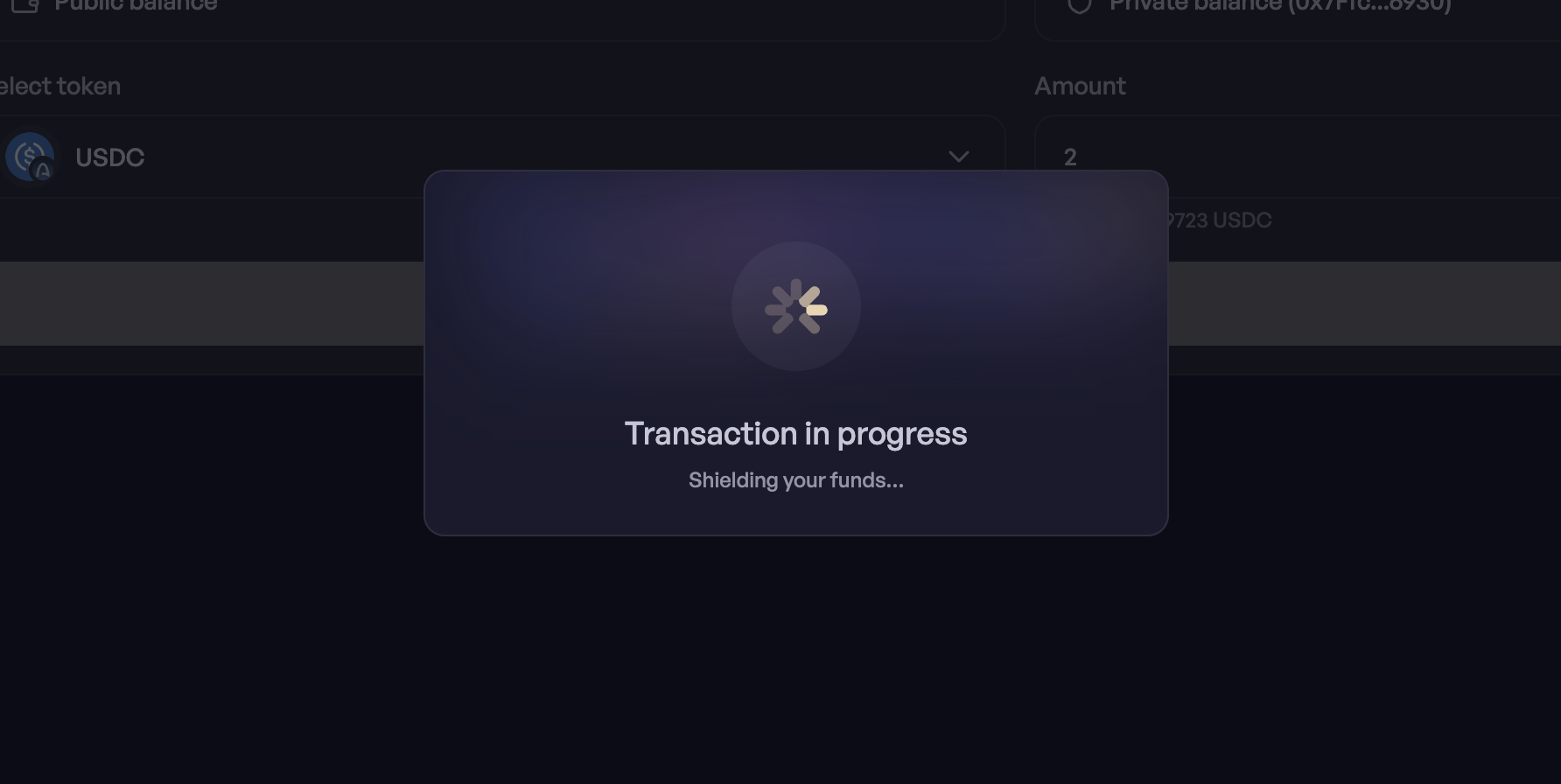
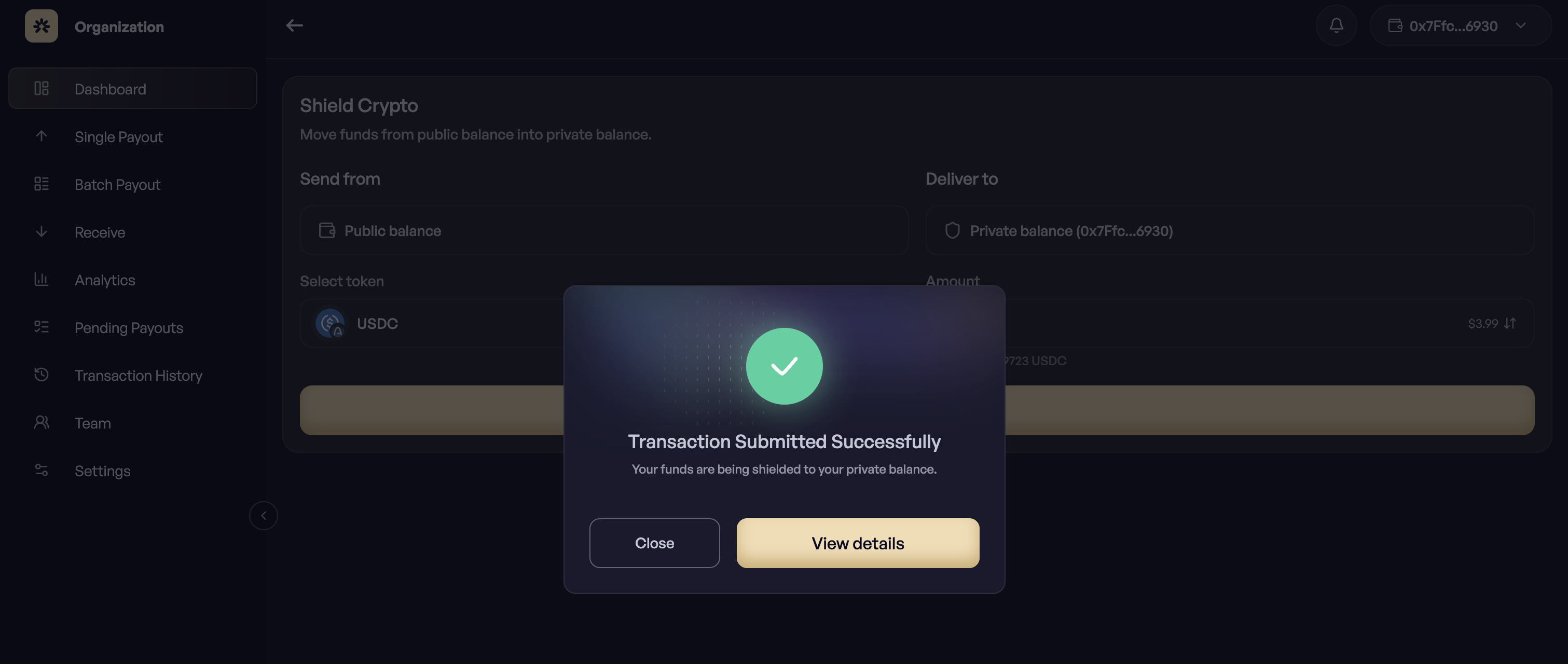
### Confirm and sign
{% endstep %}
{% endstepper %}
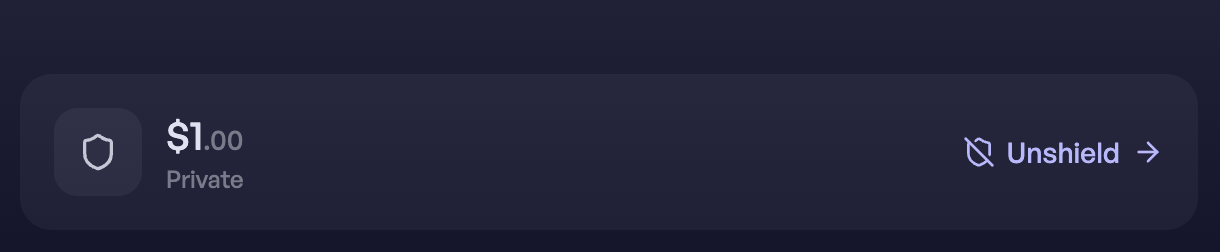
After shielding, the balance is controlled by the same wallet but is no longer visible as a public balance. Shield before a payout run when the payments should originate privately.
***
## Unshield
Unshielding moves funds from the private balance back to the connected public wallet.
{% stepper %}
{% step %}
### Open Unshield
{% endstep %}
{% step %}
### Select the token and network
{% endstep %}
{% step %}
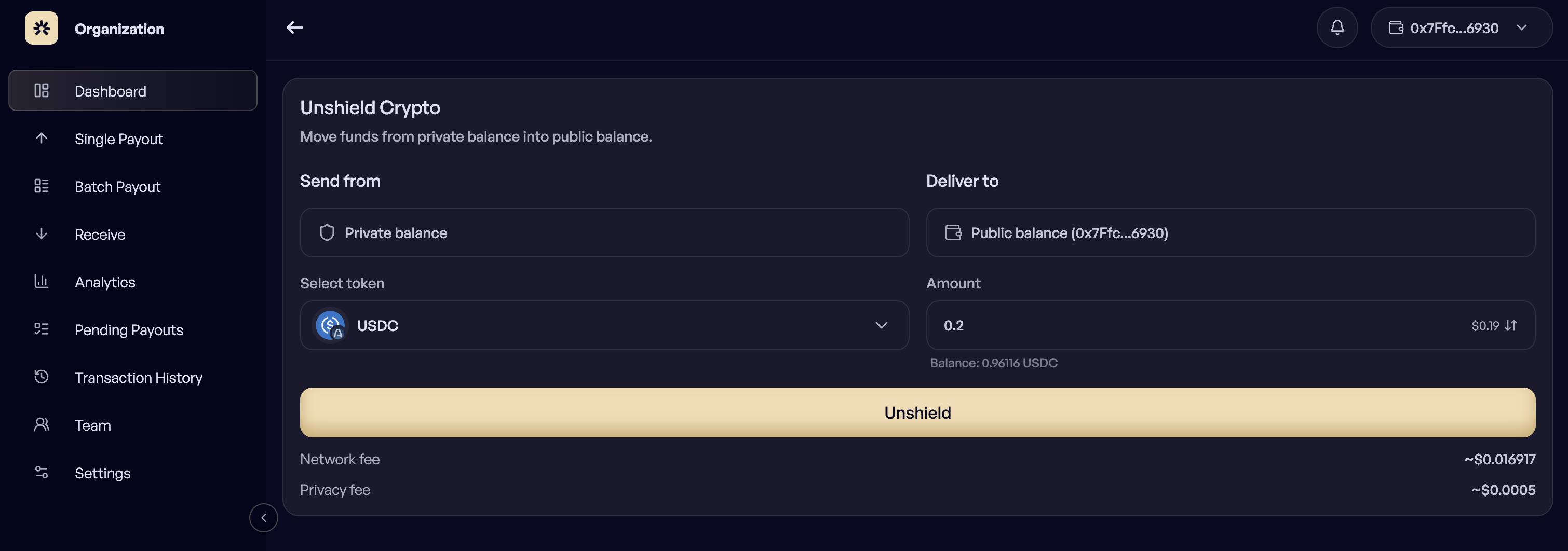
### Enter the amount
{% endstep %}
{% step %}
### Confirm
{% endstep %}
{% endstepper %}
Unshield when funds need to go somewhere that expects a normal public balance, such as an exchange deposit or an external process that reads the wallet directly.
***
### Who can do this
Both actions are signed by the organization wallet, so an Owner performs them. Members see the resulting balances but cannot move funds between them.