> For the complete documentation index, see [llms.txt](https://hinkal-team.gitbook.io/hinkal/llms.txt). Markdown versions of documentation pages are available by appending `.md` to page URLs; this page is available as [Markdown](https://hinkal-team.gitbook.io/hinkal/hinkal-prime/single-payouts.md).
# Single Payouts
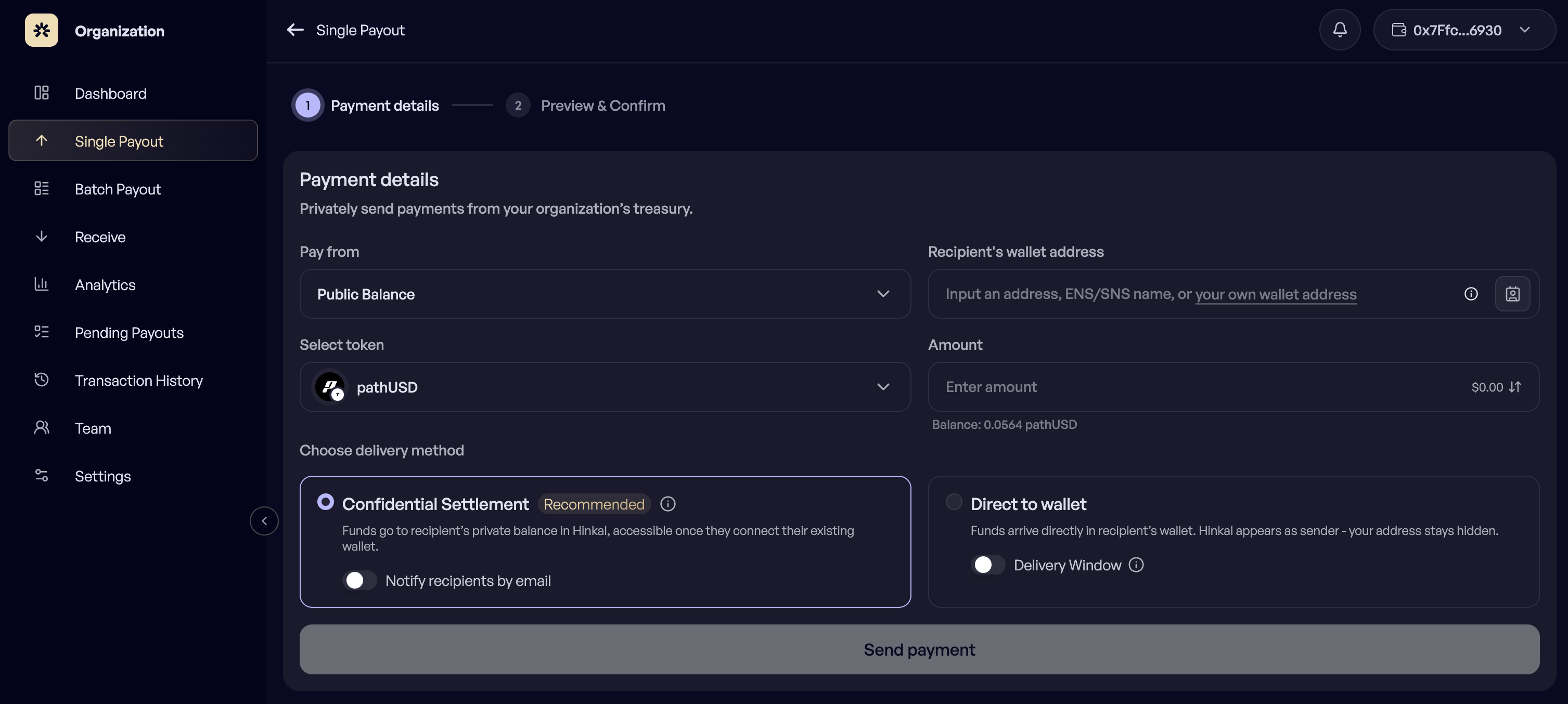
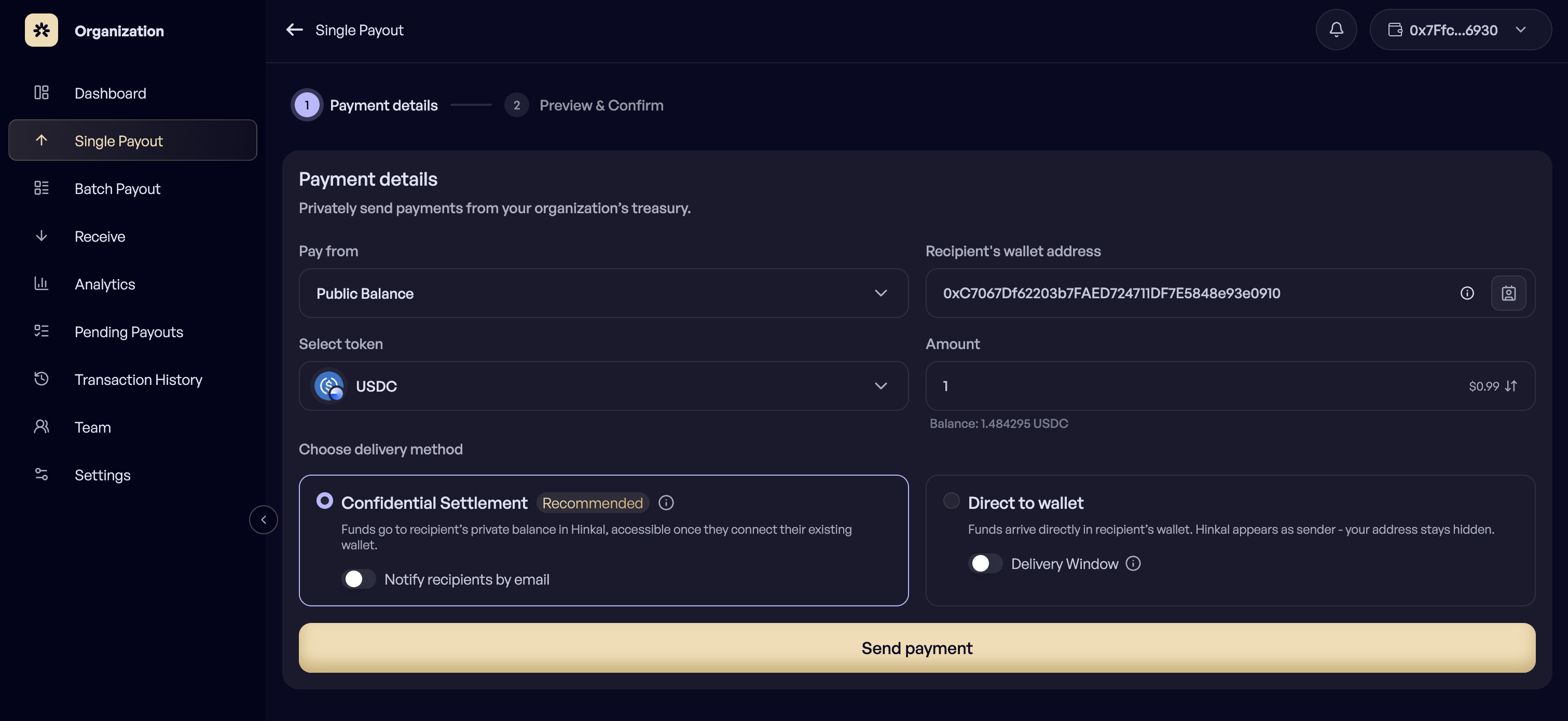
Single Payout pays one recipient. It is the fastest path for a vendor payment, a contractor invoice, or a transfer to another wallet you control.
## How to send a single payout?
{% stepper %}
{% step %}
## Open Single Payout
{% endstep %}
{% step %}
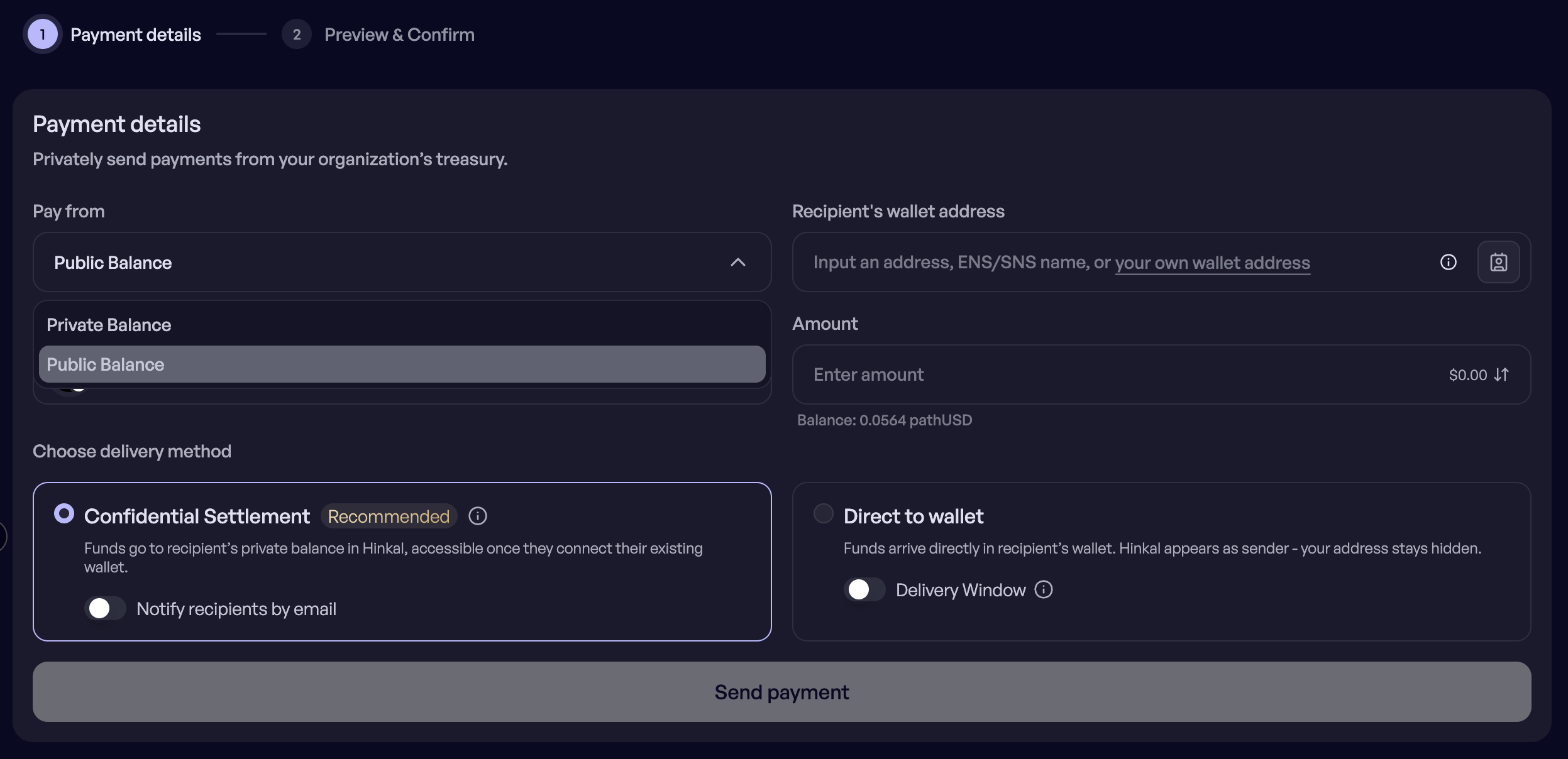
## Choose Pay from
Choose the public balance or the private balance.
{% endstep %}
{% step %}
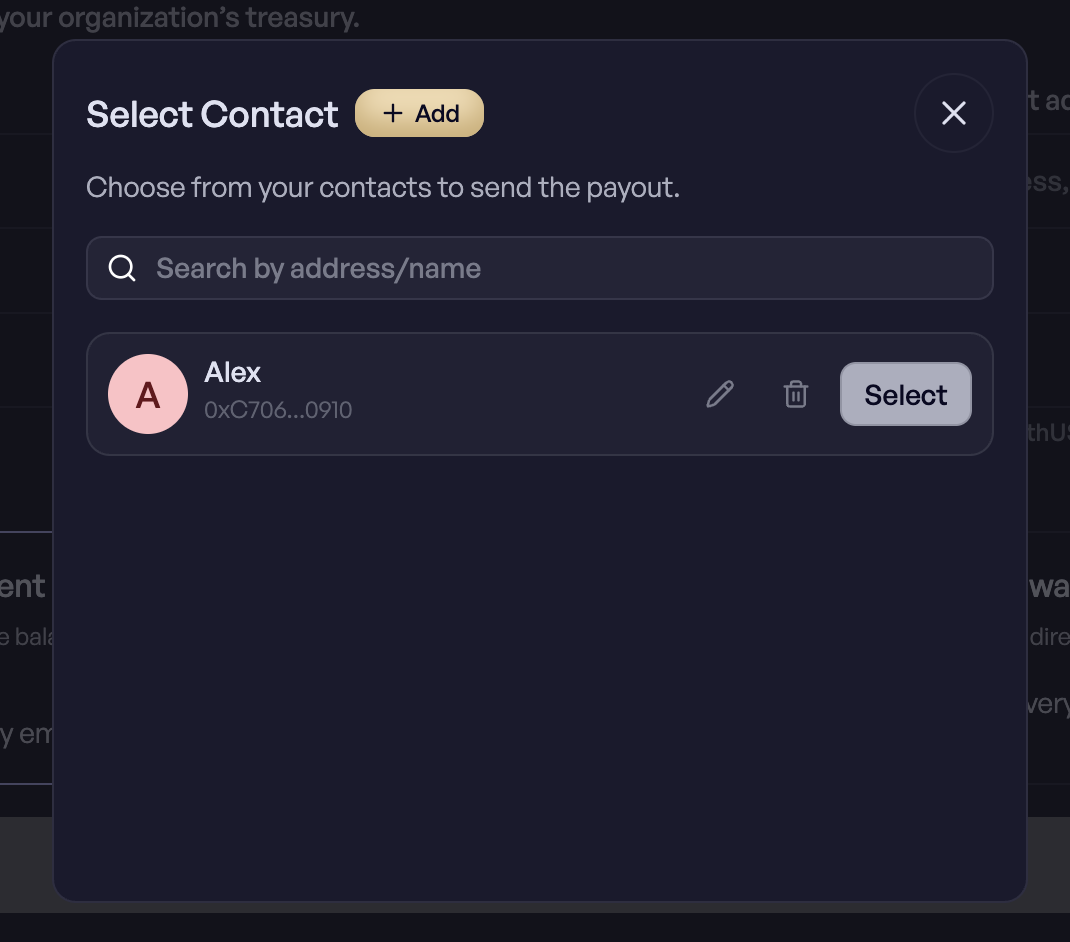
## Enter the recipient
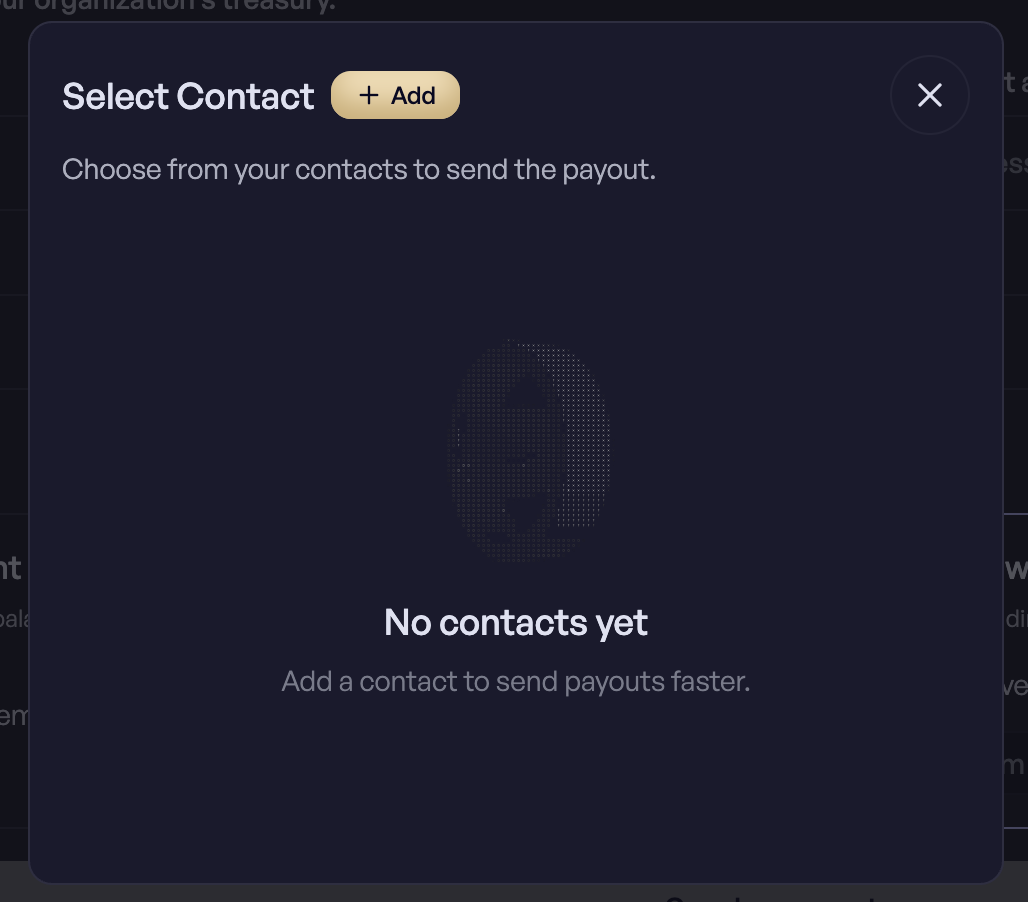
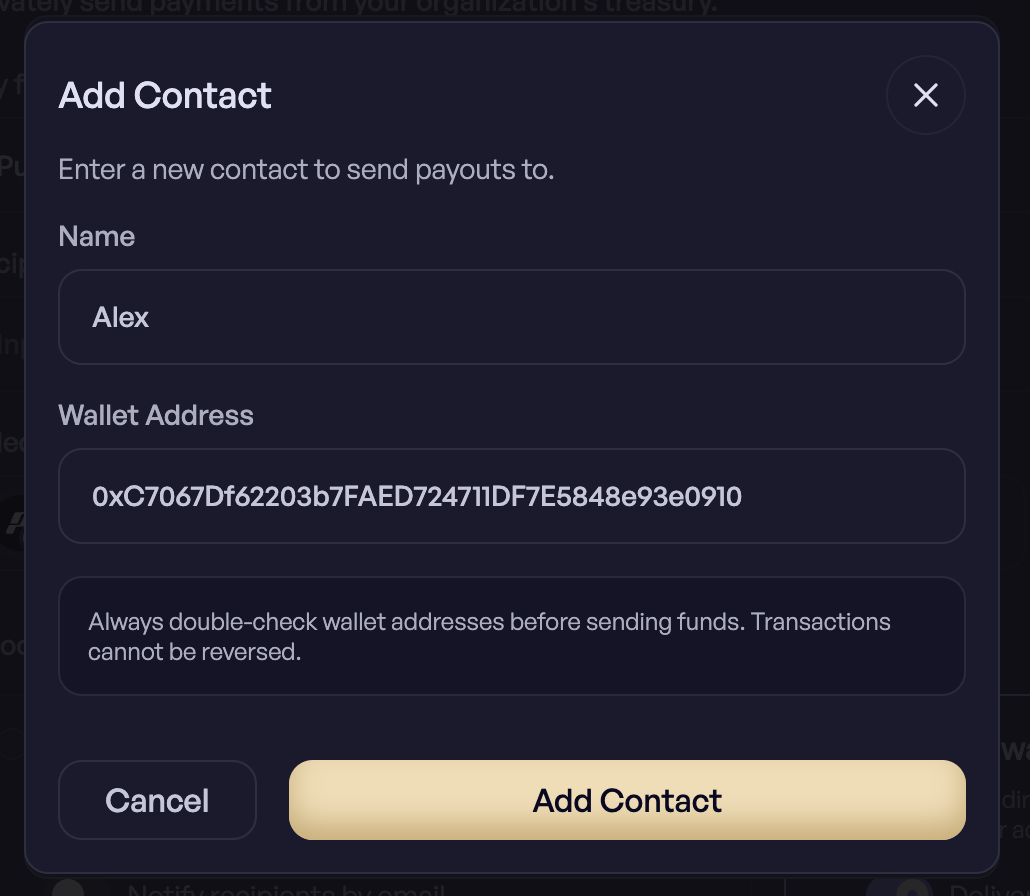
Enter the recipient address, or pick a saved contact.
{% endstep %}
{% step %}
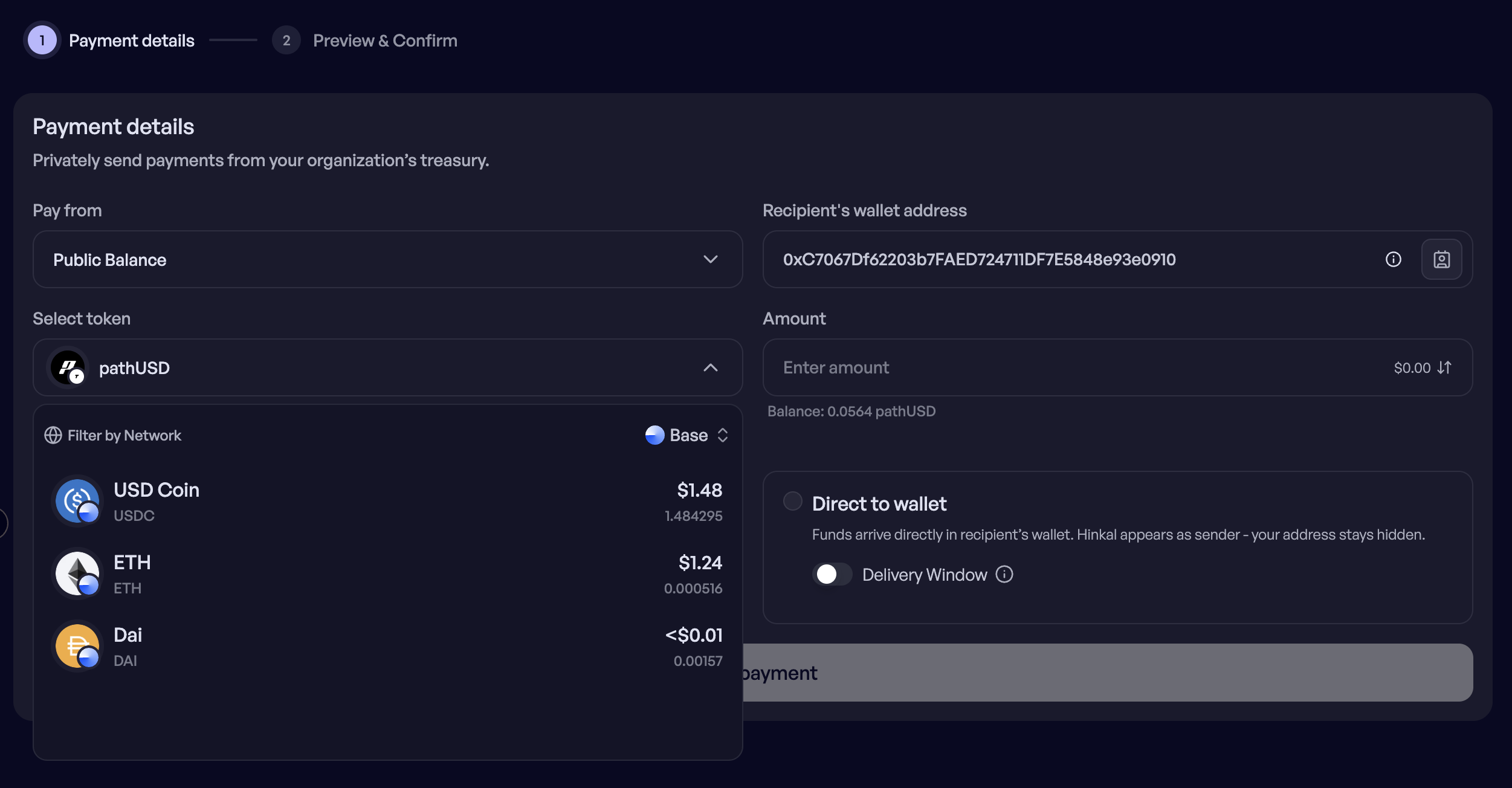
## Select the token and network
{% endstep %}
{% step %}
## Enter the amount & Choose the delivery method
{% endstep %}
{% step %}
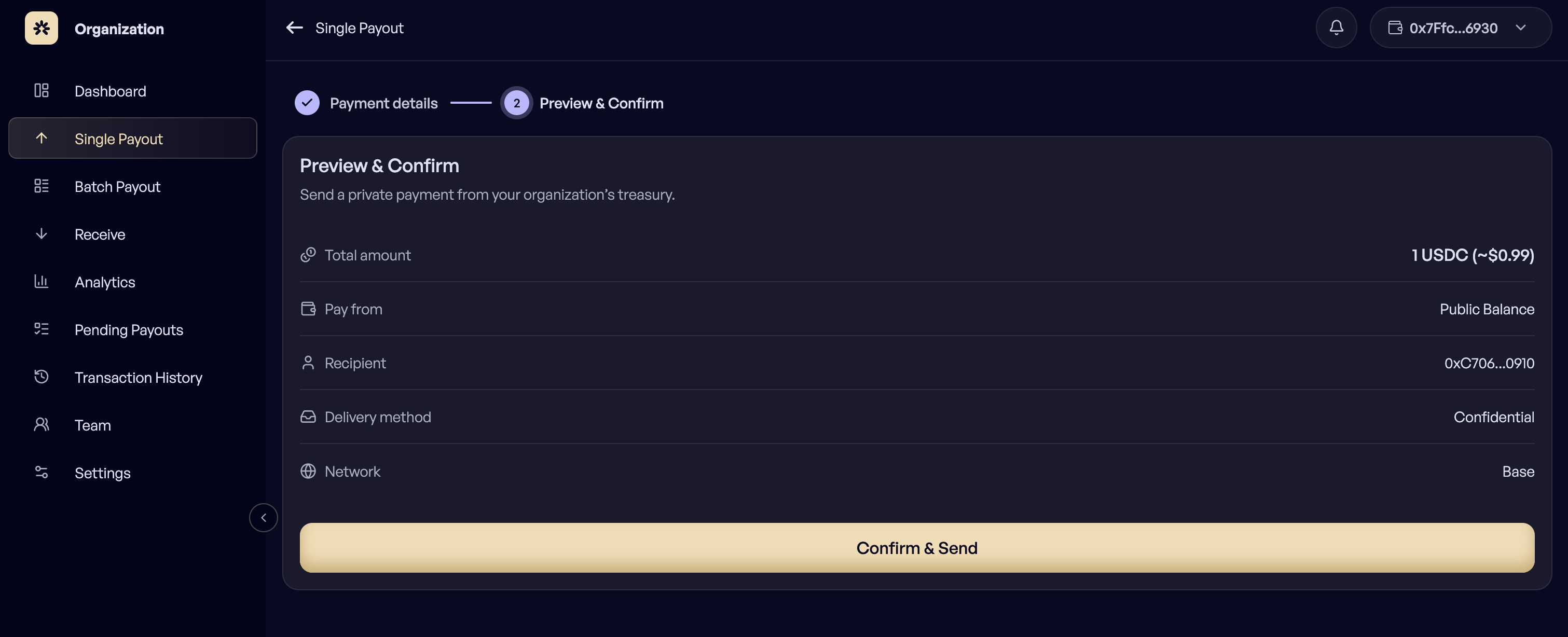
## Review and confirm
Review the summary and confirm.
{% endstep %}
{% endstepper %}
### Pay from
1. **Public balance -** Funds leave the connected public wallet.
2. **Private balance -** Funds leave the balance held inside the Hinkal smart contract, so the origin is not visible on-chain.
***
### Delivery
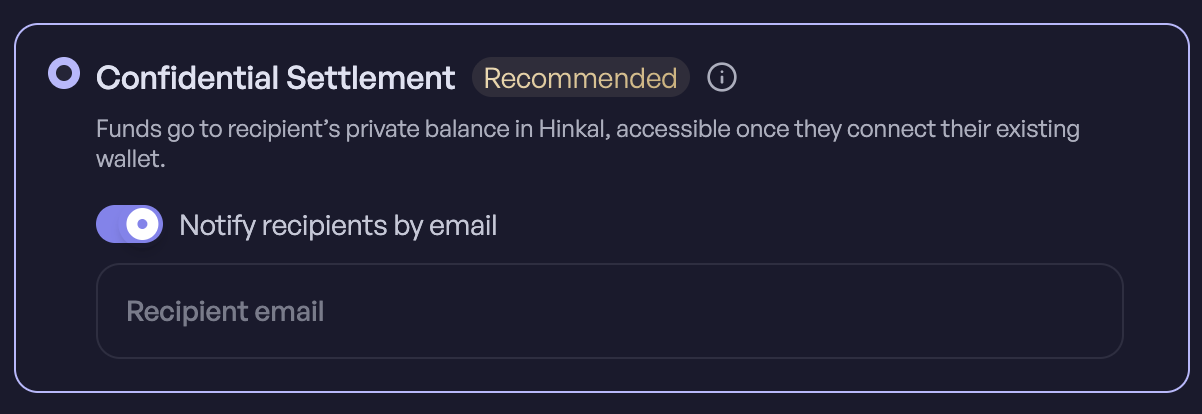
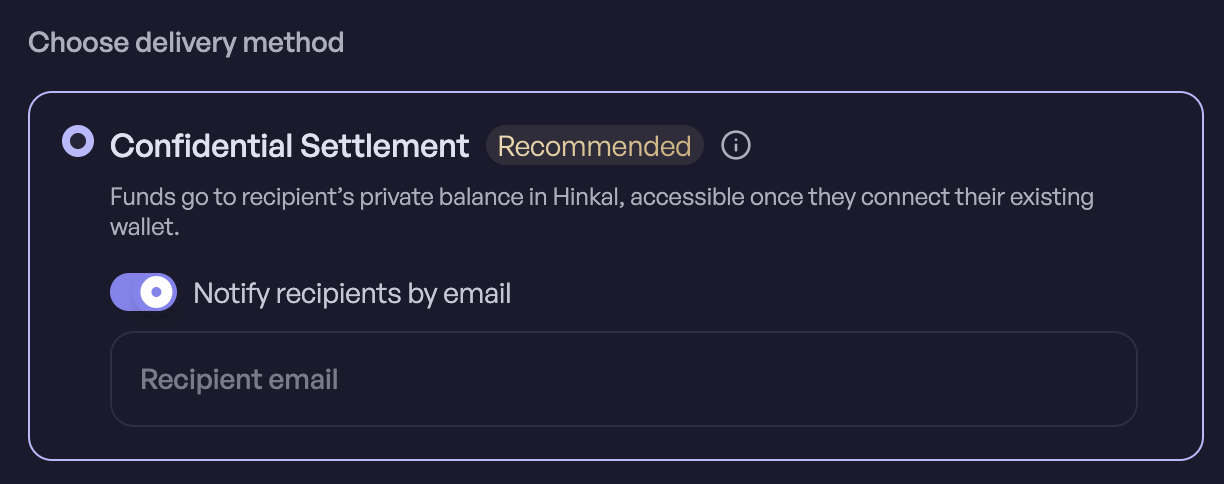
1. **Confidential Settlement**
The recipient gets a private balance controlled by their existing wallet, seen by connecting that wallet to Hinkal Pay. Nothing arrives at their public address.
***
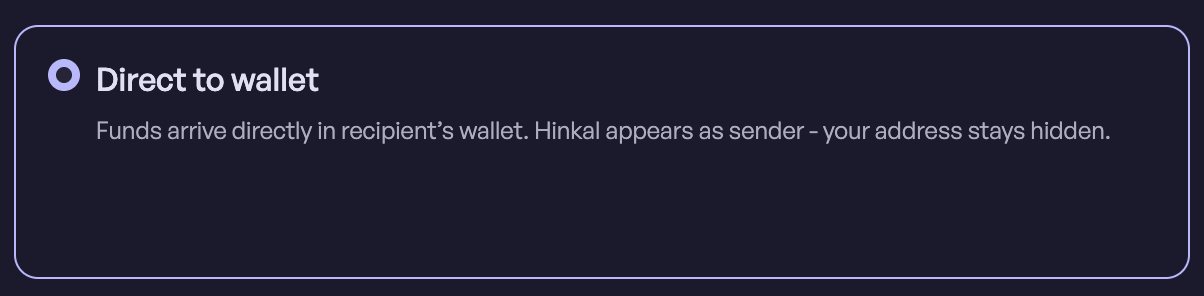
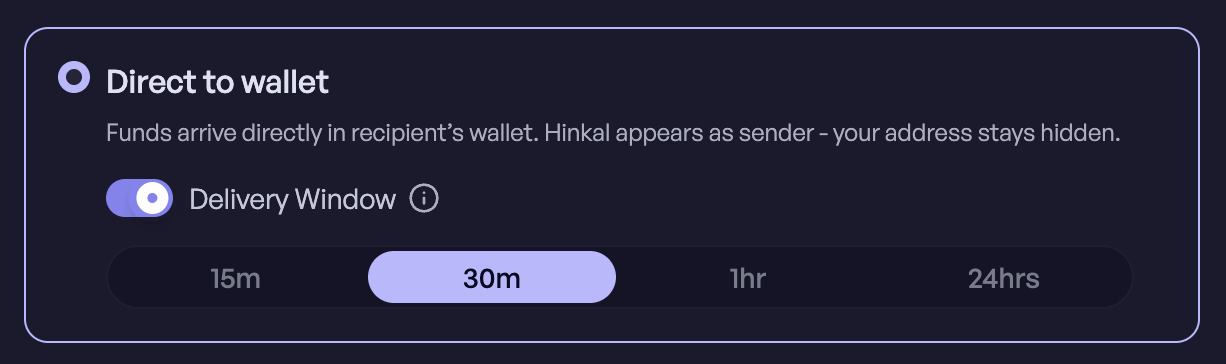
2. **Direct to wallet**
A standard on-chain transfer to the recipient address.
***
### Delivery window
When the Owner pays from the public balance with Direct delivery, a delivery window can be enabled. The payout is submitted now and settles later inside the window you pick, which breaks the timing link between approval and payment.
***
### Contacts
Recipients you pay often can be saved as contacts and reused by name instead of by address. Contacts live on the organization account, so the whole team shares one address book.
***
### **Notify the recipient by email**
Enter the recipient's email and Hinkal sends them a notification when the funds arrive, with a link to prime.hinkal.io to claim them. It is useful when the recipient isn't watching their wallet, or has never used Hinkal and won't know to look.
The email contains no transaction details beyond what's needed to claim - **no amount, no sender**. Hinkal doesn't store the address after the notification is sent.
***
### If you are a Member
Members do not sign. Submitting the form creates a payout in Pending Payouts with the status Pending, where an Owner reviews it, approves it, and signs.
***